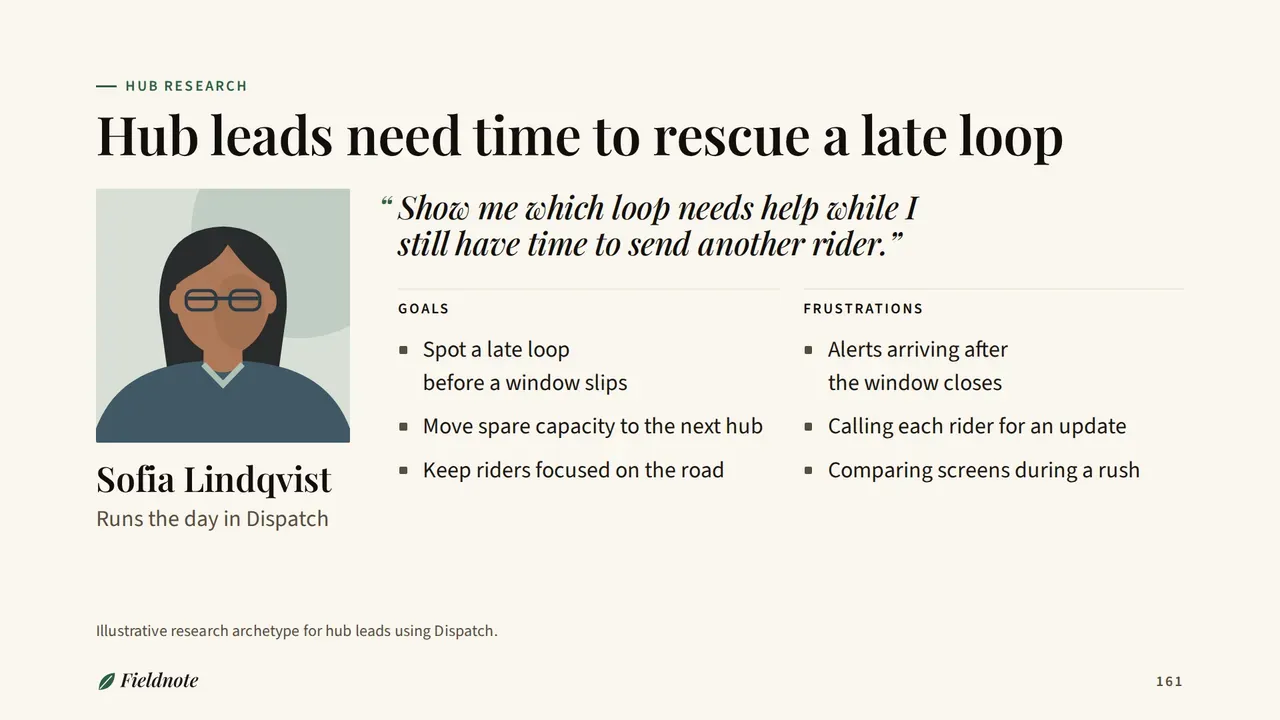
The persona layout sets one research persona on a slide: a portrait with a name and role on the left, and on the right a quotation in the person’s own words above two lists, goals and frustrations. Use it to tie a design decision to what one participant wants and what gets in their way.
Example
---
layout: persona
title: Hub leads need time to rescue a late loop
eyebrow: Hub research
name: Sofia Lindqvist
role: Runs the day in Dispatch
photo: ../assets/people/persona-hub-lead.svg
focal: center 30%
goals:
  - Spot a late loop before a window slips
  - Move spare capacity to the next hub
  - Keep riders focused on the road
frustrations:
  - Alerts arriving after the window closes
  - Calling each rider for an update
  - Comparing screens during a rush
budget: 45s
---

Show me which loop needs help while I still have time to send another rider.

<Footnote>Illustrative research archetype for hub leads using Dispatch.</Footnote>

<Notes>
`persona` with an illustrated portrait, a quotation and three goals and frustrations; use it to connect a product decision to a research archetype's working day.
Dispatch should put the window at risk beside the rider who can help. This is a composite role, rather than a named customer testimonial.
</Notes>
Slide 161 of the lookbook deckView on GitHub
name and role sit under the portrait. The body is the quotation, written without quotation marks, and the layout adds them. goals: and frustrations: are the two lists, here with three items each. The title states what this person needs from the product, not who they are, and the <Footnote> says the persona is an illustrative archetype. photo names the portrait, and focal: center 30% keeps the face in the upper third when it is cropped.
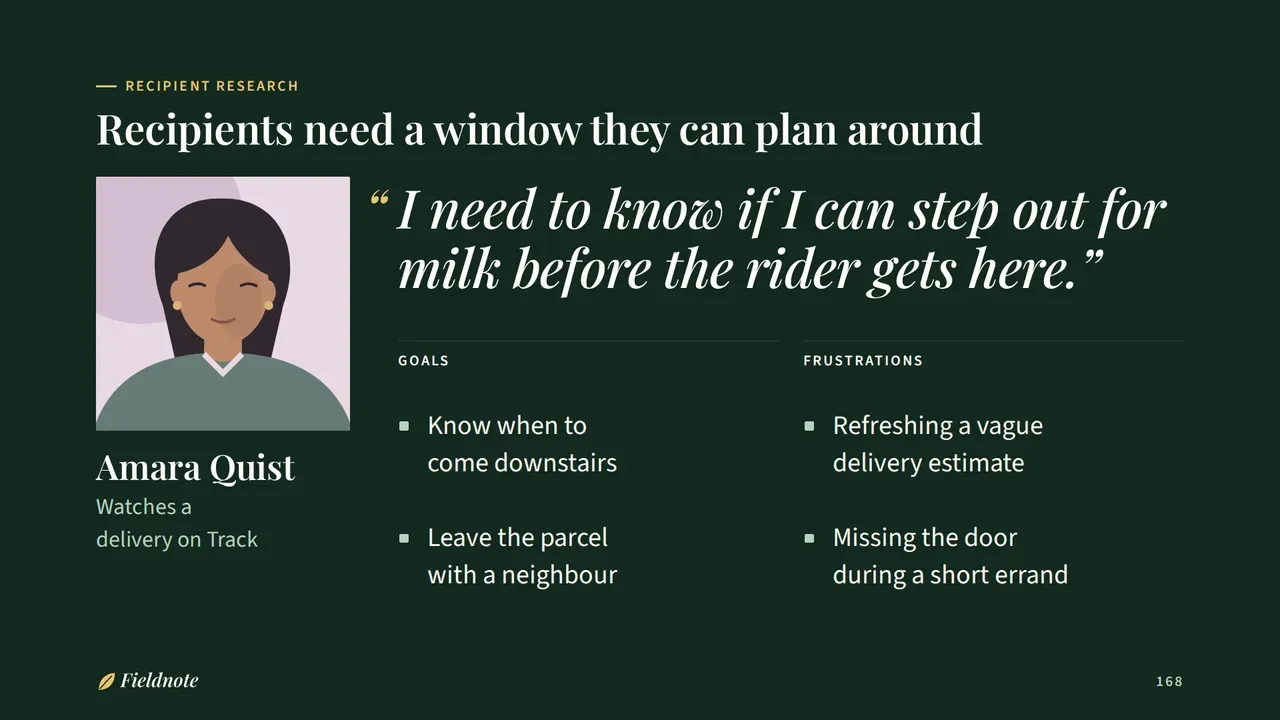
With two items in each list, the quotation and lists are set larger: the layout starts at the largest size and steps both lists down together until the sheet fits. This slide also sets surface: inverse.
When to use it
- One person from your research. Use
bioto introduce a speaker,quotewhen only the words matter andprooffor a customer’s measured result. For findings pooled across many participants, usecardsorcolumns. - Two to four items per list. Each goal and each frustration takes up to 40 characters.
nametakes up to 28 characters,roleup to 40, and the title up to 50. - A verbatim quotation, or none. The body takes up to 24 words in the participant’s own words. Leave it out if no verbatim quotation was recorded.
- Rename the headings with
labels:.labels: { goals: Needs, frustrations: Blockers }replaces “Goals” and “Frustrations”; each takes up to 16 characters. The headings are always shown, so colour never separates the lists. - Portrait or initials. Without
photo, the portrait is an initials tile.focalandtreatmentwork as onbio;treatment: plainshows a photo as it is. - Say what it is. The footnote holds the research source, the interview date or a caveat, up to 16 words. Mark an invented or composite persona there.
Reference
- Frontmatter
layout: persona- Surface
- the deck's default
- Title
- required, 50 characters at most
- PowerPoint
- two-content slide
A user persona grounded in research: a portrait with name: and role: on the left, a prominent quotation in their own words directly above two labelled lists, goals: and frustrations:, on the right. The title states what this person needs from the product, rather than repeating their name. Without photo: the portrait becomes an initials tile; focal: and treatment: work as on bio. Use it to connect a design decision to a participant’s motivations and obstacles. Use bio to introduce a speaker, quote when only their words matter, or proof to show a customer’s measured outcome. Use cards or columns for findings pooled across many participants rather than one person. Override the list headings with labels:.
Slots
| Slot | Takes | Budget | What goes in it |
|---|---|---|---|
body | text | 24 words | A short quotation in the person’s own words, without outer quotation marks. Leave it out if no verbatim quotation was recorded. |
<Footnote> | text | 16 words | The research source, interview date or a caveat about the persona. |
Frontmatter fields
| Field | Values | How to use it |
|---|---|---|
eyebrow | text | Write a few words of at most 40 characters, for example eyebrow: Budget committee, or leave it out. |
namerequired | text | Name the research persona, up to 28 characters. |
rolerequired | text | Say who they are in one line, up to 40 characters. |
photo | text | Give a portrait as a file in the deck folder, such as photo: assets/dana.jpg, or leave it out for an initials tile, as on bio. |
focal | text | Name the part of the photo to keep when it is cropped, as a CSS position: focal: top, focal: center 30% (a face in the upper third) or focal: 40% 20%. |
treatment | text | Name one of the brand's image treatments, for example treatment: plain (every brand has it) to show a screenshot, map or chart in its own colors; deck brand --json lists them under imagery.treatments. |
labels | default {"goals":"Goals","frustrations":"Frustrations"} | Override either research heading, each up to 16 characters. |
goalsrequired | text | List 2 to 4 things the person wants to achieve, each up to 40 characters. |
frustrationsrequired | text | List 2 to 4 obstacles in the person’s day, each up to 40 characters. |
chrome | true (default) false | Write chrome: false to hide the page number, logo and progress bar on this slide, or chrome: true to show them. |
Example
---
layout: persona
title: Residents need a watering plan they can keep
eyebrow: Resident research
name: Nia Mensah
role: "Volunteer tree warden, Eastgate"
labels:
  goals: Goals
  frustrations: Frustrations
goals:
  - Keep the new trees alive
  - Share the watering rounds
frustrations:
  - Unclear watering advice
  - No cover during holidays
---

I can water on Tuesdays, but I need to know someone has the rest of the week.

<Footnote>Illustrative persona based on the Eastgate watering study.</Footnote>

<Notes>
Connect the need for shared rounds to the proposed watering rota.
</Notes>
Common mistakes
-
A quotation that runs on. The body is a quotation of up to 24 words, not a paragraph about the person:
$ deck lint launch-review decks/launch-review/slides/p-quote.mdx error content-budget (p-quote): The body slot holds 30 words; its layout allows 24. Fix: Cut it to the essentials, split the slide, move detail into speaker notes, or pick a layout made for more content (`deck layouts`). launch-review: 1 error, 0 warnings in 1 slide (1 step checked). -
Too many or too few items. Five goals are a
schemaerror:goals: Expected at most 4 research items, got a list of 5 items.One frustration is one too few:frustrations: Expected at least 2 research items, got a list of 1 item.Both lists take two to four. -
A title that repeats the name. The name is on the slide already. State the need instead.
-
A made-up quotation. The body is the participant’s own words, so write one only if it was said.