Use the default layout for a slide that is a heading and a few lines of Markdown: a definition with a lead paragraph, or a short list you talk through. It sets your content in one column under an accent rule, centred on the slide, and it is the layout a slide gets when its frontmatter has no layout:.
Example
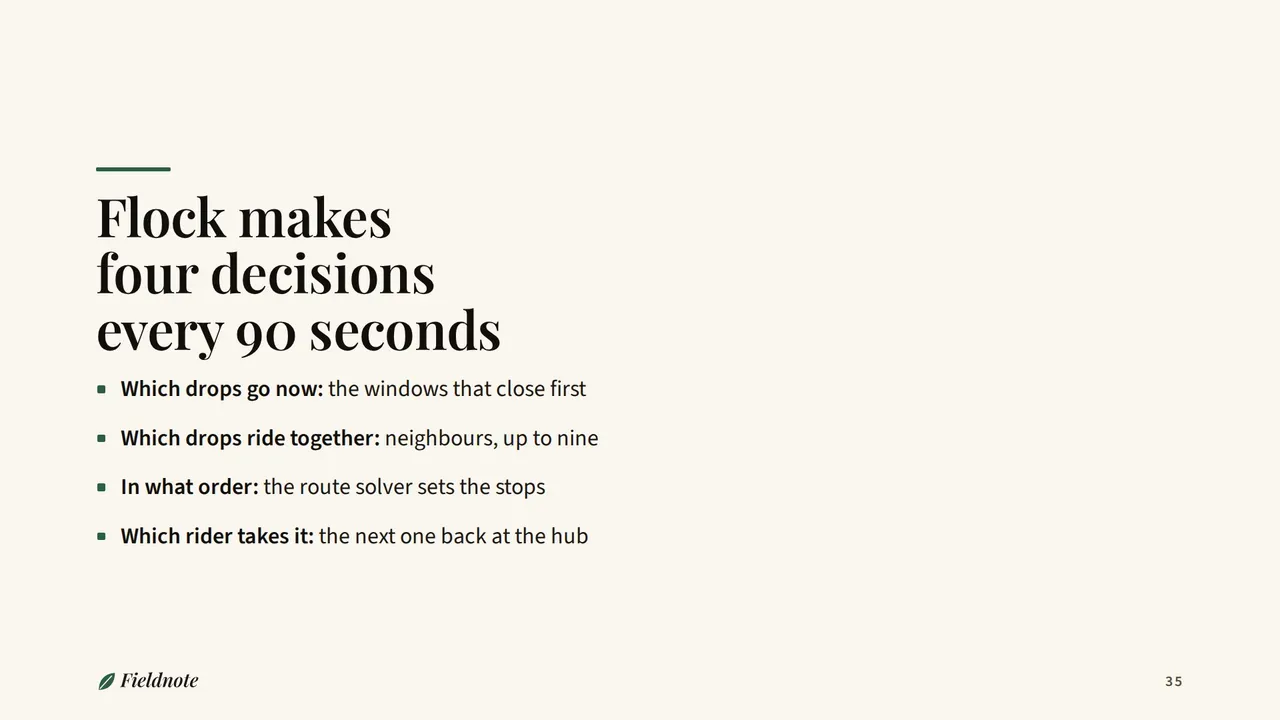
---
layout: default
title: Flock makes four decisions every 90 seconds
budget: 1m
---

## Flock makes four decisions every 90 seconds

<Step at={1} focus>

- **Which drops go now:** the windows that close first

</Step>

<Step at={2} focus>

- **Which drops ride together:** neighbours, up to nine

</Step>

<Step at={3} focus>

- **In what order:** the route solver sets the stops

</Step>

<Step at={4} focus>

- **Which rider takes it:** the next one back at the hub

</Step>

<Notes>
`default` with a heading and four bullets, each in `<Step focus>`; use it when you talk through a list one point at a time and the room should look at the point you are on.
[click] First, Flock picks the drops whose windows close soonest. [click] Then it groups neighbours into a loop of up to nine. [click] The route solver orders the stops. [click] And the loop goes to the next rider back at the hub. All of it, every 90 seconds.
</Notes>
Slide 35 of the lookbook deckView on GitHub
Notice that the heading is written in the body (## Flock makes...), not taken from title:: this layout draws only the body. Each bullet is a <Step focus>, so the room reads one point at a time while the earlier ones recede.
When to use it
The catalog’s guidance is short: use it when no more specific layout fits. In practice that means:
- The slide is a heading and a paragraph, or a heading and up to six bullets. The body’s budget is 80 words and six bullets.
- You want Markdown to set the type. A
#heading takes the brand’s display size and the paragraph after it is set as a muted lead; a##heading takes the smaller headline size. - You need no layout fields.
defaulthas none: noeyebrow:, noreveal:. Builds come from<Step>in the body.
Pick another layout as soon as one fits the content:
- A point with bullets and a side note: use
content, which has a title, an<Aside>and fits sparse text larger. - One claim set large: use
statement. - Ideas of equal weight: use
cards. - A process in order: use the
stepslayout.
Reference
- Frontmatter
layout: default- Surface
- the deck's default
- PowerPoint
- content slide
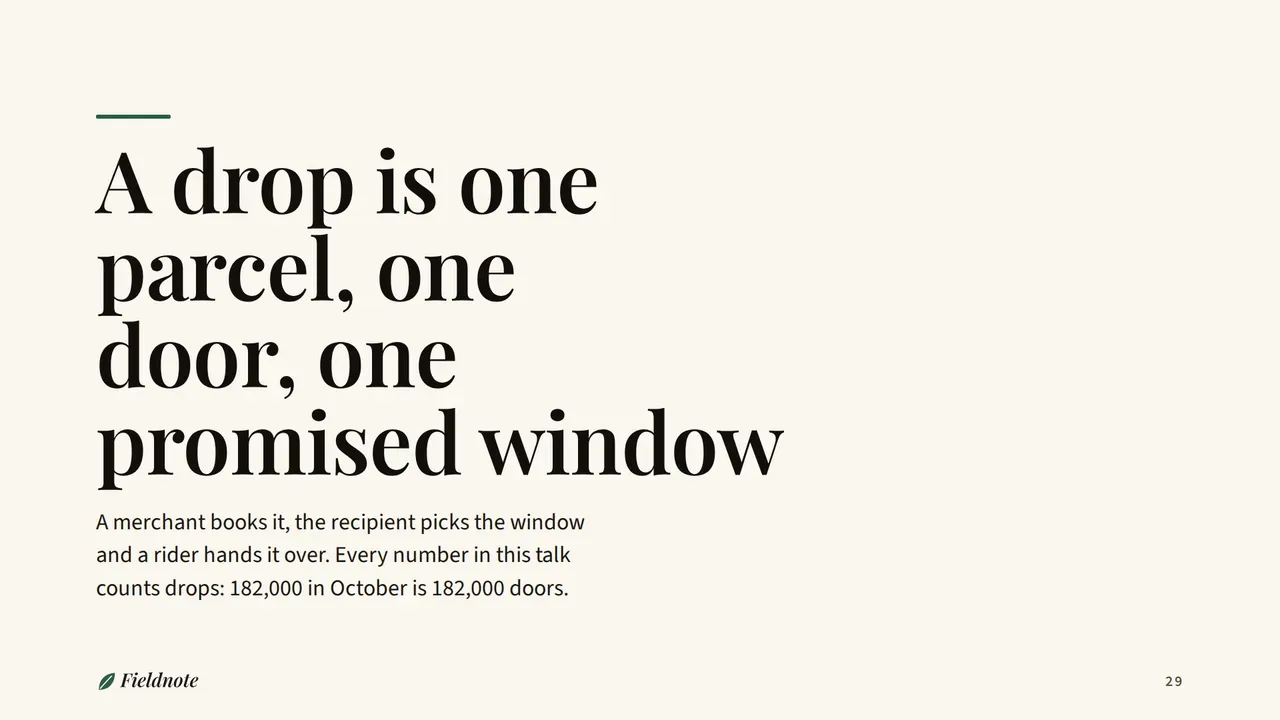
One column of content under an accent rule, centred on the slide: a heading with a lead paragraph, or a heading with a short list. Use it when no more specific layout fits.
Slots
| Slot | Takes | Budget | What goes in it |
|---|---|---|---|
bodyrequired | heading, text, bullets, image, component | 80 words, 6 bullets | A heading (# or ##), then a paragraph or up to six bullets; steps and images allowed. |
Example
---
layout: default
title: How steps work
budget: 1m
---

## How steps work

<Step at={1}>
- Each slide has one integer step, starting at 0.
</Step>

<Step at={2}>
- Going back into a slide lands on its last step.
</Step>

<Notes>
Reveal one point per key press.
</Notes>
Common mistakes
- Too many bullets. Seven bullets fail
deck lintwithcontent-budget: “The body slot holds 7 bullets; its layout allows 6.” Merge two, or move tocontentand put the detail in its<Aside>. - Layout fields from other layouts.
eyebrow:on adefaultslide is aschemaerror:"eyebrow" is not a frontmatter field.The fix lists the layouts that do have it. The keys every slide takes, such assurfaceandbudget, still work; see slide frontmatter. - No heading.
title:names the slide in the outline but is not drawn. Without a#or##heading in the body, the slide has no visible heading. - A run of default slides. Three slides in a row on the same layout and surface give the
layout-repetitionwarning. Its fix is to give one of them another layout or surface, or to merge slides that make the same point.
Related layouts
content: a stated title, body and<Aside>, for explaining one idea.statement: one sentence set large, when the slide is a single claim.cards: two to four parallel ideas with an icon each.steps: a numbered process, when the list has an order.
How <Step> and focus reveal a list is on builds.