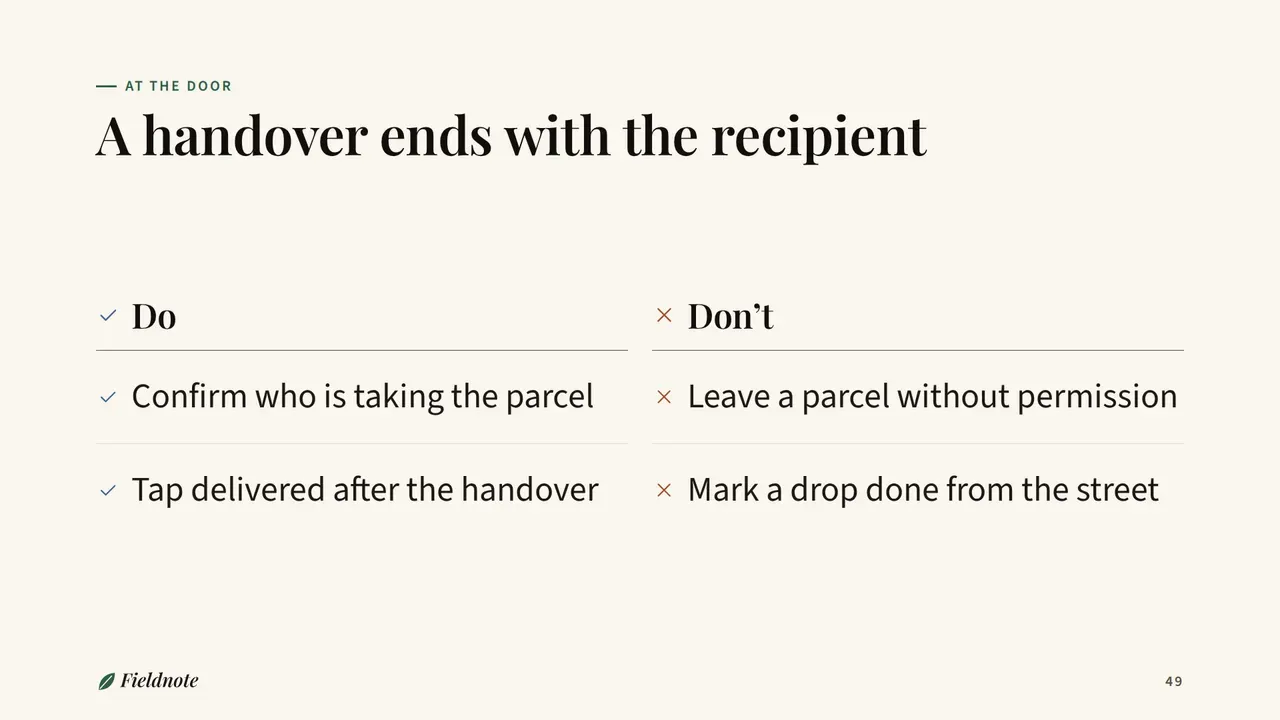
The do-dont layout sets two columns of practical examples side by side: what to do on the left, each with a tick, and what to avoid on the right, each with a cross. Use it to teach a working habit, a safety rule or a writing standard through concrete actions.
Example
---
layout: do-dont
title: A handover ends with the recipient
eyebrow: At the door
budget: 30s
do:
  - Confirm who is taking the parcel
  - Tap delivered after the handover
dont:
  - Leave a parcel without permission
  - Mark a drop done from the street
---

<Notes>
`do-dont` with two examples per side and default headings; use it to teach a practical habit through concrete actions.
The last metre matters as much as the loop. A successful handover means someone agreed to receive the parcel, then the rider confirmed it in Rider.
</Notes>
Slide 49 of the lookbook deckView on GitHub
The lists are do: and dont: in the frontmatter, two to four short strings each, and the headings are “Do” and “Don’t” because the slide sets no labels:. Rows line up across the two sides, so write the lists in matching order when the examples pair up. The tick and the cross differ in shape as well as colour, so the meaning does not depend on colour.
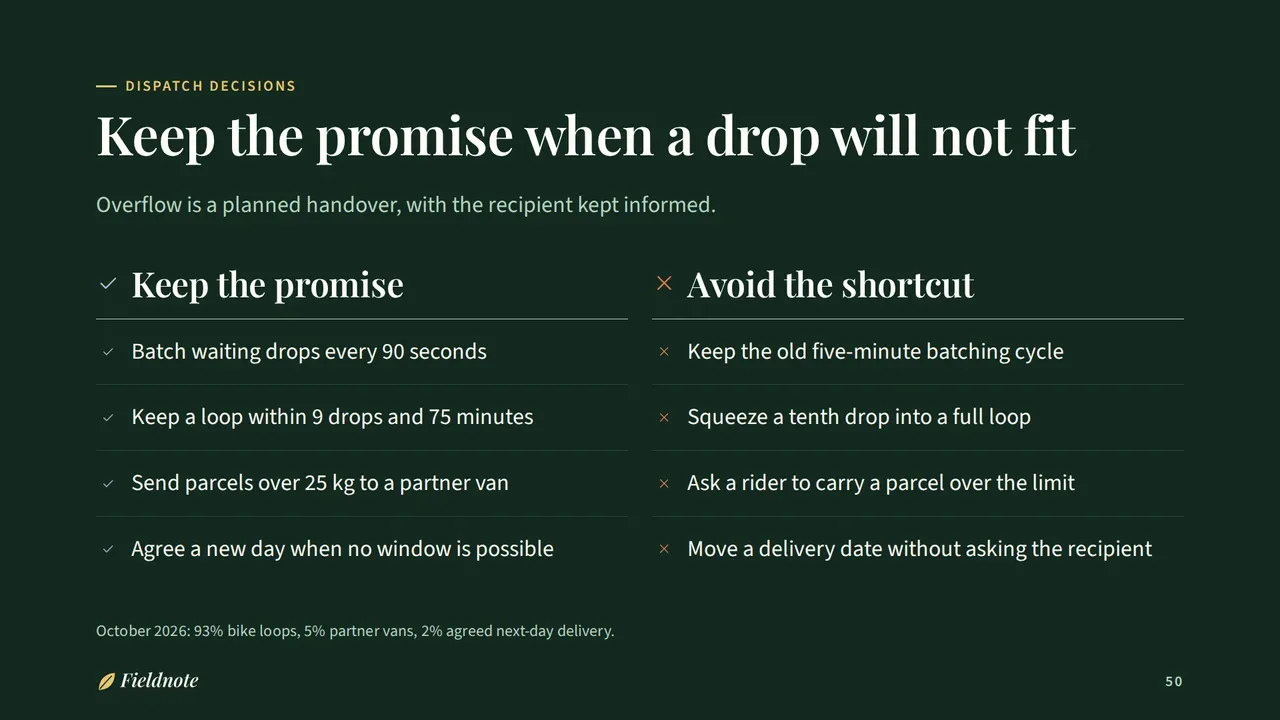
Four examples a side, with labels: setting the headings to “Keep the promise” and “Avoid the shortcut”. reveal: true shows the first column on step 1 and the second on step 2; the still shows the last step.
When to use it
- Each example is something to do or avoid. Use
comparisonwhen the options share measured rows,shiftfor one change from old to new, andcolumnswhen the groups have no positive or negative meaning. - Two to four examples on each side. Each takes up to 56 characters and starts best with a concrete action. The lists may differ in length; the shorter side leaves its last rows empty.
- Headings default to “Do” and “Don’t”;
labels.doandlabels.dontreplace them, up to 24 characters each. - The body is one sentence of up to 14 words saying when the examples apply; a source goes in
<Footnote>, up to 16. The title takes up to 50 characters. - Show the habit before the shortcut. With
reveal: true, put a[click]cue in the notes for each column; see builds.
Reference
- Frontmatter
layout: do-dont- Surface
- the deck's default
- Title
- required, 50 characters at most
- PowerPoint
- two-content slide
Two columns of practical examples: what to do and what to avoid, from do: and dont:. Each side lists two to four short items, with a tick or cross from the shared kit mark set and the positive or negative role. Headings and distinct marks keep the meaning clear without colour. Optional labels.do and labels.dont replace "Do" and "Don't"; reveal: true shows the Do column on the first step and the Don't column on the second. Use it to teach working habits, safety guidance or a writing standard through concrete examples. Use comparison when options share measured rows, shift for one change from old to new, or columns when the groups have no positive or negative meaning.
Slots
| Slot | Takes | Budget | What goes in it |
|---|---|---|---|
body | text | 14 words | One sentence under the title giving the situation these examples apply to. |
<Footnote> | text | 16 words | A source or caveat on the bottom line. |
Frontmatter fields
| Field | Values | How to use it |
|---|---|---|
eyebrow | text | Write a few words of at most 40 characters, for example eyebrow: Budget committee, or leave it out. |
dorequired | text | List 2 to 4 examples of what to do, each up to 56 characters. Start with a concrete action. Rows line up across the two sides, so write the lists in matching order when the examples pair up. |
dontrequired | text | List 2 to 4 examples of what to avoid, each up to 56 characters. The two lists may have different lengths. |
labels | default {"do":"Do","dont":"Don't"} | Optional headings do and dont, each up to 24 characters; defaults to "Do" and "Don't". |
reveal | true false (default) | Write reveal: true to show the Do column on step 1 and the Don't column on step 2, or leave it out to show both together. |
chrome | true (default) false | Write chrome: false to hide the page number, logo and progress bar on this slide, or chrome: true to show them. |
Example
---
layout: do-dont
title: "Water the roots, leave the trunk clear"
do:
  - Water slowly into the soil
  - Keep mulch away from the trunk
dont:
  - Spray the leaves at midday
  - Pile fresh mulch against the bark
---

For every newly planted street tree in its first two summers.

<Footnote>Larkfield watering wardens guide, 2027.</Footnote>

<Notes>
Show the right habit first, then the mistake it prevents.
</Notes>
Common mistakes
-
Bullets in the body. The examples belong in
do:anddont:, and the body takes text only.deck lintreports a list there with theslot-contentrule:$ deck lint launch-review decks/launch-review/slides/handover.mdx error slot-content (handover): The body slot holds a list of 2 items; the do-dont layout sets it as text. Fix: Write it as a sentence, or move the points to a layout made for a list (content or split; `deck layouts`). launch-review: 1 error, 0 warnings in 1 slide (1 step checked). -
One example on a side. “do: Expected at least 2 examples, got a list of 1 item.” A single contrast is a
shift. -
An example over 56 characters. “do[0]: Expected an example of at most 56 characters, got “Confirm who is taking t…” (76 characters).” Cut it to the action and say the reason aloud.
-
A fifth example. The schema stops at four a side; split the lists across two slides.
Related layouts
comparison: options measured on the same rows, such as us and them.shift: one change, from the way things are to the way they will be.columns: headed groups of short items with no right or wrong side.