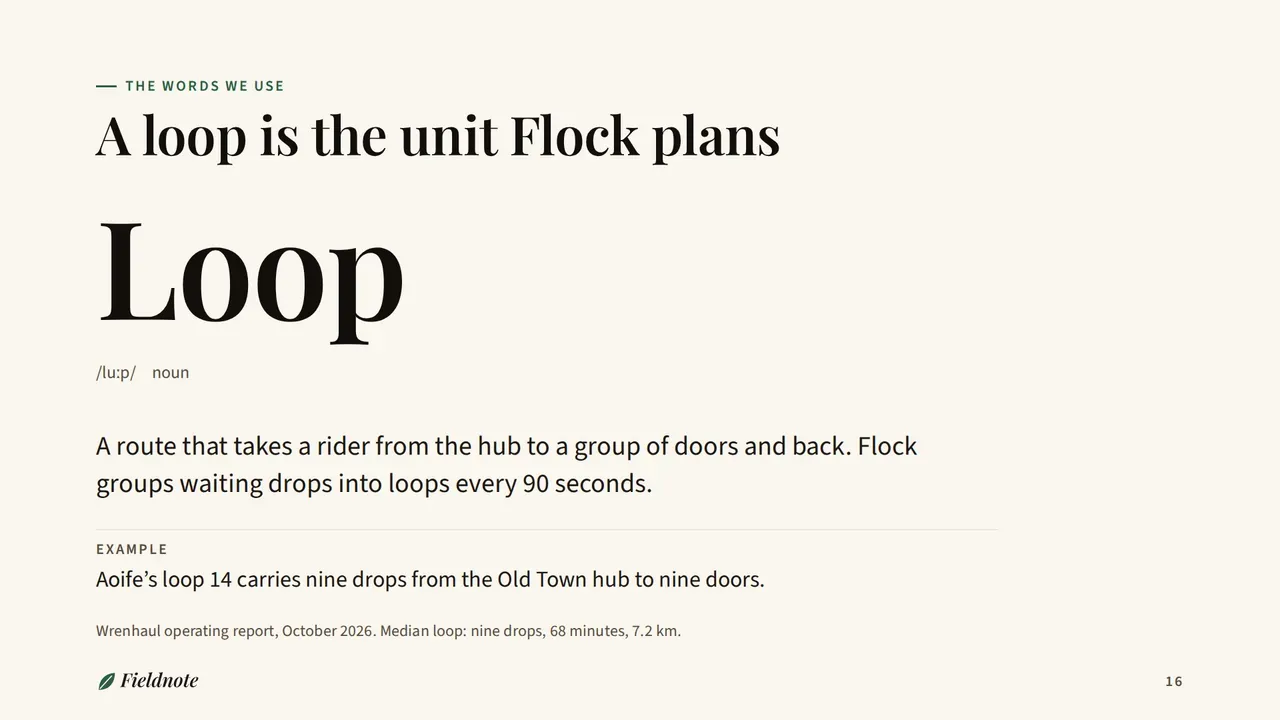
The definition layout sets one term as a dictionary entry under a title that states the point: the term in the display style, an optional pronunciation and category on a small line, its meaning in one or two sentences, and an optional example. Use it to settle what a specialist word, a product concept or a measure means before the argument depends on it.
Example
---
layout: definition
title: A loop is the unit Flock plans
eyebrow: The words we use
surface: default
term: Loop
pronunciation: /luːp/
kind: noun
example: Aoife’s loop 14 carries nine drops from the Old Town hub to nine doors.
budget: 35s
---

A route that takes a rider from the hub to a group of doors and back. Flock groups waiting drops into loops every 90 seconds.

<Footnote>Wrenhaul operating report, October 2026. Median loop: nine drops, 68 minutes, 7.2 km.</Footnote>

<Notes>
`definition` with `pronunciation`, `kind`, `example` and a footnote, on `surface: default`; use the example to connect a specialist term to a concrete event.
The unit is a loop, not a single trip to a door. Aoife’s loop 14 is the route we will follow through the product.
</Notes>
Slide 16 of the lookbook deckView on GitHub
The word is term: and the meaning is the body. pronunciation: and kind: share the small line under the term, and example: stands under a rule with the label “Example”, which labels.example changes. The title says why the word matters. This slide sets surface: default, because the layout is set on the inverse surface unless you choose another.
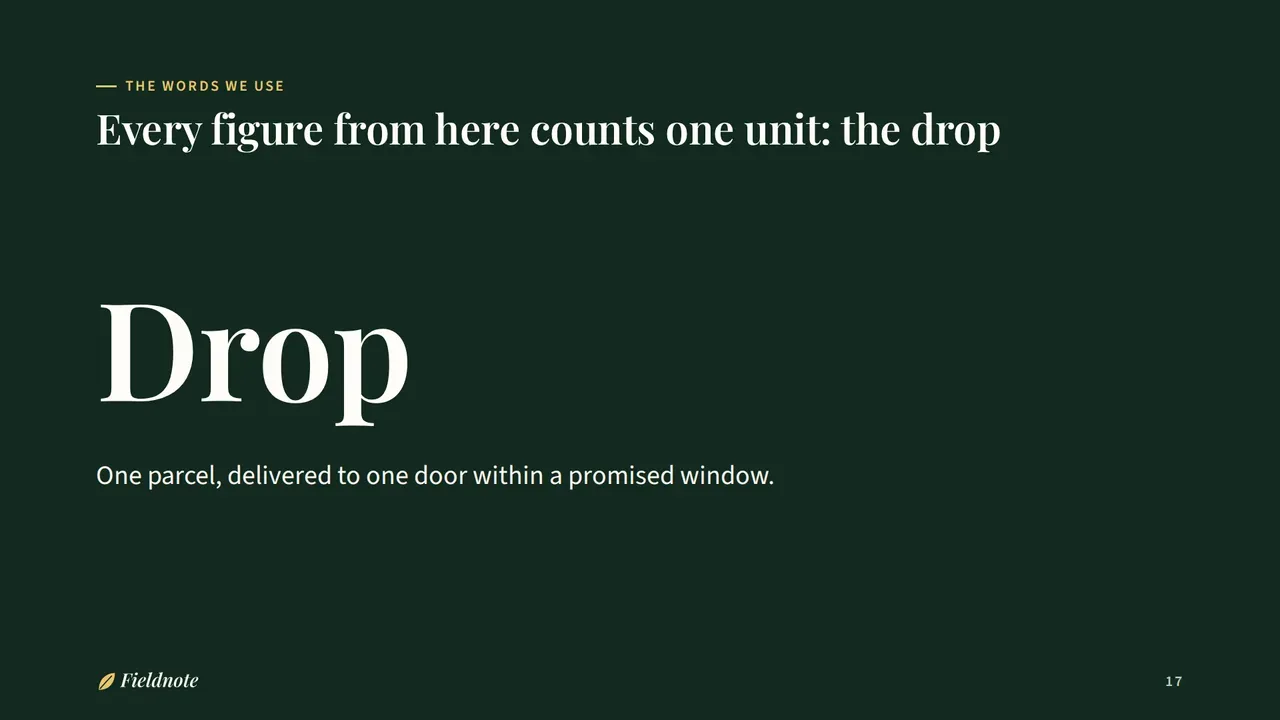
With only a term and a body, the entry grows to use the room. This is the default inverse surface.
When to use it
- One term. The
term:is up to 20 characters. For a glossary of three or more terms side by side usecardsortable. - The meaning is one or two sentences. The body is required, text only, up to 36 words. A longer explanation belongs on
content. - Each extra is optional.
pronunciationtakes up to 32 characters,kind(a part of speech such asnoun, or a category such asService promise) up to 24, andexample, one sentence, up to 100.labels.exampletakes up to 16 characters, so translate it when the deck is not in English. - Write a pronunciation as a respelling. IPA characters that the brand’s text font lacks are drawn from a substitute font in PowerPoint, and a respelling such as
LOOPorKAN-uh-peeis the safe choice. - The title states the point, up to 50 characters, and the
<Footnote>, up to 16 words, gives the source or the scope of this definition. - The entry shows whole. There is no
reveal. A short entry is set larger, and a longer one steps down to fit.
Reference
- Frontmatter
layout: definition- Surface
inverse- Title
- required, 50 characters at most
- PowerPoint
- content slide
One term defined, dictionary style, under a title that states the point. The term is set in the display style, an optional pronunciation and part of speech or category share a small line, and the body gives its meaning in one or two sentences. An optional example sentence stands apart beneath a rule. Use it to establish a shared meaning before using a specialist word, a product concept or a measure in the argument. Use statement for a claim without a term and definition, quote for someone else’s words, and content for a longer explanation. Use cards or table for a glossary of three or more terms side by side. The entry is shown as a whole and defaults to the inverse surface; sparse entries grow and longer ones step down to fit.
Slots
| Slot | Takes | Budget | What goes in it |
|---|---|---|---|
bodyrequired | text | 36 words | The definition in one or two sentences. Put the term in term:, not here. |
<Footnote> | text | 16 words | A source or caveat on the bottom line, such as the scope of this definition. |
Frontmatter fields
| Field | Values | How to use it |
|---|---|---|
eyebrow | text | Write a few words of at most 40 characters, for example eyebrow: Budget committee, or leave it out. |
termrequired | text | Name one term, up to 20 characters, for example term: Canopy. |
pronunciation | text | Give the pronunciation as it should appear, including any slashes, up to 32 characters, or leave it out. IPA characters missing from the brand’s text font fall back to a substitute font in PPTX; a plain respelling such as LOOP or KAN-uh-pee is the safe choice. |
kind | text | Name the part of speech or category, such as kind: noun or kind: Service promise, up to 24 characters, or leave it out. |
example | text | Give one sentence that makes the meaning concrete, up to 100 characters, or leave it out. |
labels | default {"example":"Example"} | Write labels.example above the example, up to 16 characters; it defaults to "Example". Translate it to match the deck’s language. |
chrome | true (default) false | Write chrome: false to hide the page number, logo and progress bar on this slide, or chrome: true to show them. |
Example
---
layout: definition
title: Canopy measures the shade above our streets
eyebrow: A shared vocabulary
term: Canopy
pronunciation: "/ˈkænəpi/"
kind: noun
labels:
  example: Example
example: "A street with 30% canopy has tree crowns above three tenths of its area."
---

The layer of leaves and branches that covers the ground when viewed from above.

<Footnote>Larkfield Urban Forestry Division, canopy survey.</Footnote>

<Notes>
Establish what we measure before showing the district map.
</Notes>
Common mistakes
-
Bullets in the body. The meaning is text, and
deck lintreports a list with theslot-contentrule:$ deck lint launch-review decks/launch-review/slides/definition-list.mdx error slot-content (definition-list): The body slot holds a list of 2 items; the definition layout sets it as text. Fix: Write it as a sentence, or move the points to a layout made for a list (content or split; `deck layouts`). launch-review: 1 error, 0 warnings in 1 slide (1 step checked). -
A paragraph for a meaning. Past 36 words,
content-budgetreports “The body slot holds 46 words; its layout allows 36.” Cut it to the meaning and say the rest. -
A phrase for a term.
term: Urban canopy cover across the districtis aschemaerror: “Expected a term of at most 20 characters, got “Urban canopy cover acro…” (38 characters).” Name the word and put the qualifier in the body.