Screenshots, lint and exports never capture a slide mid-animation or half-loaded: they render the deck in static mode and wait until each slide is ready. After reading this page you will know why a screenshot can differ from the slide you present, and what your own TSX code must do to be captured correctly.
What static mode is
Static mode is the deck page with ?static in its URL. In it:
- every slide is mounted at once, not only the current one and its neighbours;
- every animation is at its end state: nothing fades, slides in or counts, and there are no transitions or morphs between slides;
- every step that is revealed is in place at full strength: nothing recedes to the muted colour, and numbers that count up show their final value.
Static mode doesn’t change which step a slide is on: the URL hash still decides that. deck shot, deck lint, deck export and deck diff open the deck with ?static in headless Chromium at 1920x1080, with reduced motion, and move each slide to the step they need. deck lint visits every step. deck shot and deck export capture the last step unless you ask for every step, so a still shows the slide with everything revealed. Steps explains where a slide’s steps come from.
What a slide looks like in it
Content that moves or runs live is replaced by a picture of it:
- A
<Video>shows its poster. A video with cues shows the poster of the part the step has reached, when it has one per part. - An
<AppFrame>shows itsposter, never the running app. A<Live>widget shows itsposterwhen it has one. Without one, the widget itself renders, which suits only a widget with no timers, fetches or randomness. - A
<CodeMove>shows the version of the current step, without animating to it, and a<Terminal>the whole session up to the current step. A capture at the slide’s last step, whichdeck shotwithout--stepsand the exports make, shows the version of that step; to capture an earlier version, capture that step.
This still of a slide with a cued video shows the poster of its last part, not a frame of the video:
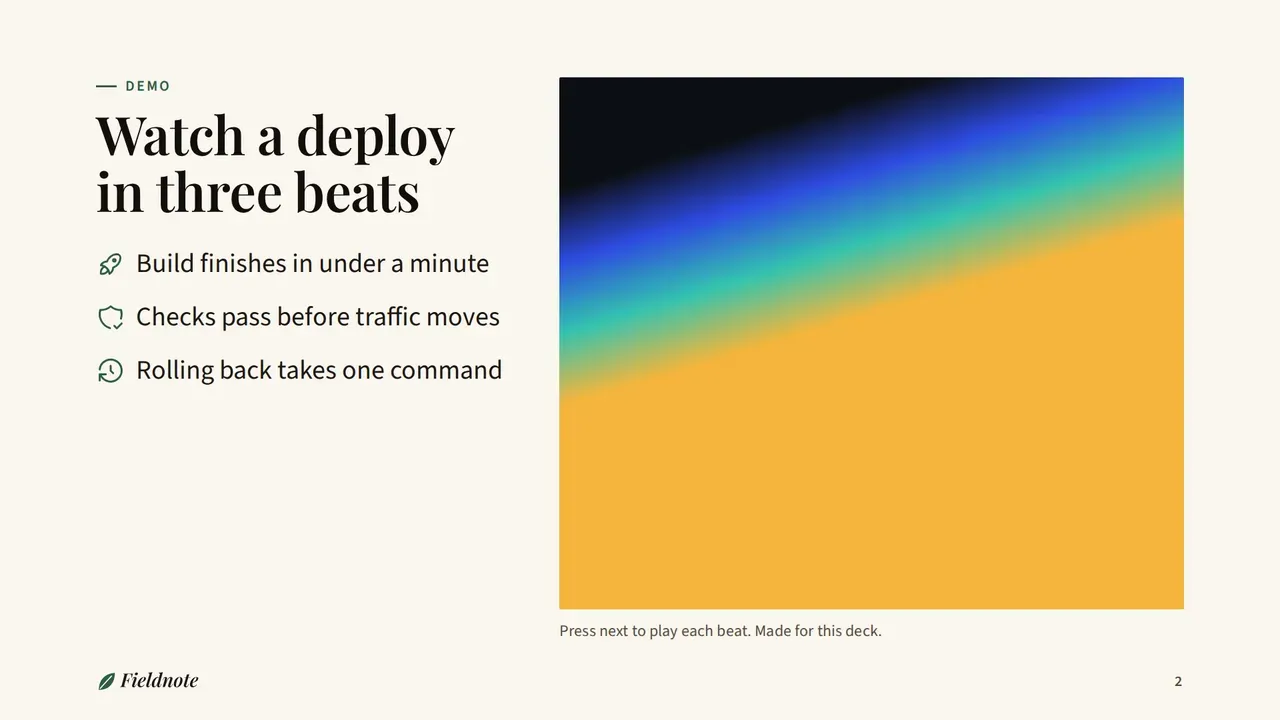
This is why live content needs a poster: deck lint reports an <AppFrame> without one as an error.
Readiness
A slide is ready when React has painted it, web fonts have loaded, every image on it (CSS backgrounds included) has loaded or failed, and no component holds it. The page exposes this as window.__deck.ready(), a promise the CLI awaits before every capture. A failed image doesn’t block it, so a broken asset shows in the picture instead of stalling the export. If a slide never settles, ready() rejects after 30 seconds and names what it was still waiting for. The deck API documents window.__deck in full.
Holding readiness in your own code
The kit’s own components already hold readiness while they settle: code, charts, diagrams, videos, Lottie animations and apps. Your TSX code has to do the same when its final look arrives late, for example data it fetches, a chunk it loads lazily, or steps it registers only after loading. Call useReadyHold from @deckster/engine with true while the content is pending. This slide reads signups.json from the deck’s public/ folder:
import { useReadyHold } from '@deckster/engine';
import { useEffect, useState, type ReactNode } from 'react';

export const frontmatter = { layout: 'content', title: 'Why we launch in March' };

export default function Signups(): ReactNode {
  const [rows, setRows] = useState<number[]>();
  useReadyHold(rows === undefined);
  useEffect(() => {
    void fetch('signups.json')
      .then((response) => response.json())
      .then(setRows);
  }, []);
  return rows === undefined ? null : <p>{rows.length} weeks of sign-ups</p>;
}
Release the hold in the same render that shows the final content, as here, where rows arriving both releases it and draws the result. Steps the content registers are then counted before ready() resolves. A hold that is never released fails the capture after 30 seconds, here from a slide that calls useReadyHold(true):
$ deck shot launch-review
The deck was not ready after 30s: slide 2 "why-now" (slides/why-now.tsx) is still held.
A component on that slide called `useReadyHold(true)` and never released it. Pass `false` once its content has loaded, or fix whatever it is waiting for.
TSX slides and live components cover writing that kind of content.
Look at static mode yourself
Run deck dev, then open the URL it prints with ?static added before the hash. Give the step you want to see, usually the slide’s last:
http://localhost:5173/?static#/2/3That is slide 2 at step 3. In the hello deck it is the steps slide with all three points shown, the way deck shot captures it. With #/2/0 the same slide shows its title alone, because static mode keeps the step the hash names. ?static=0, false or no turn static mode off again. To get the pictures themselves, use screenshots.