The cards layout sets two to four ideas of equal weight side by side, each a card with an icon, a short title and a line of text. Use it for pillars, principles or options that are peers, with one sentence under the title on what they have in common.
Example
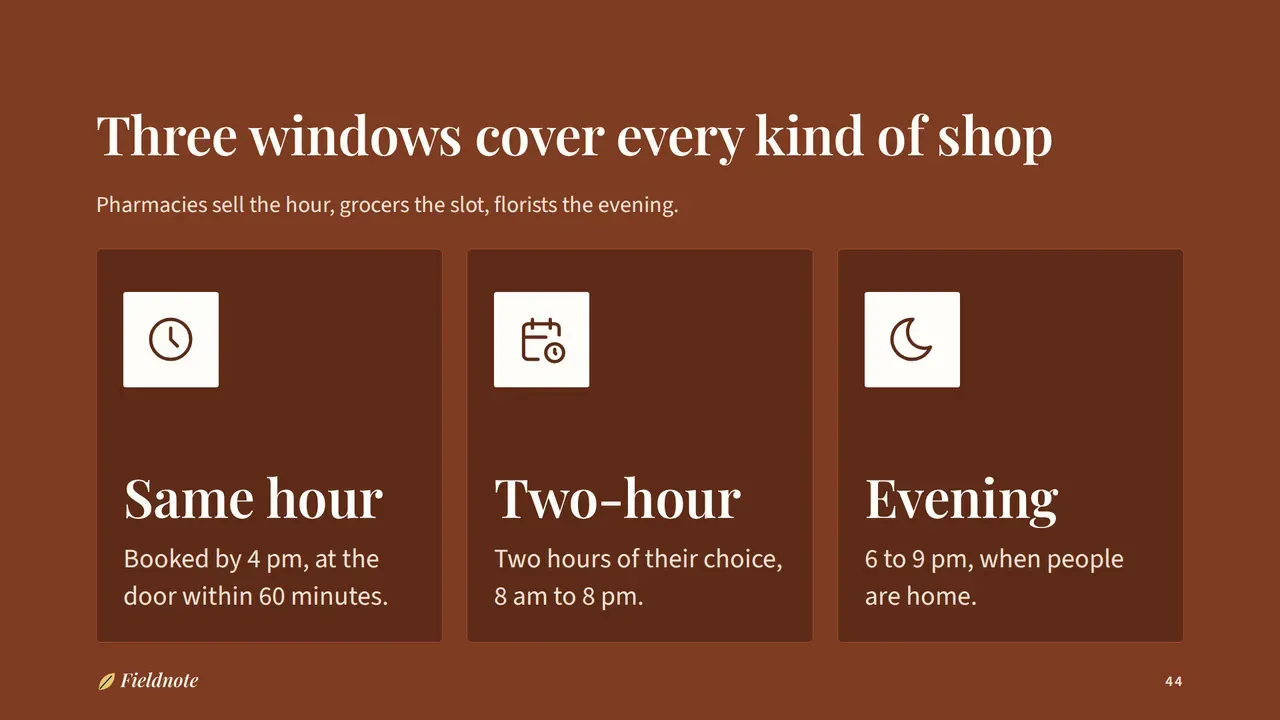
---
layout: cards
title: Three windows cover every kind of shop
surface: accent
cards:
  - icon: clock
    title: Same hour
    text: Booked by 4 pm, at the door within 60 minutes.
  - icon: calendar-clock
    title: Two-hour
    text: Two hours of their choice, 8 am to 8 pm.
  - icon: moon
    title: Evening
    text: 6 to 9 pm, when people are home.
budget: 30s
---

Pharmacies sell the hour, grocers the slot, florists the evening.

<Notes>
`cards` with three cards on `surface: accent`; use it for a short set of peers that should stand out from the slides around it.
A merchant sells one of three windows. The pharmacy sells the hour, the grocer sells a slot, Fennick Florists sells the evening. One network serves all three.
</Notes>
Slide 44 of the lookbook deckView on GitHub
The ideas are in cards: in the frontmatter, and the line under the title is the slide’s body. Icons, titles and text line up across the row whatever their length, and surface: accent sets this short set apart from the slides around it.
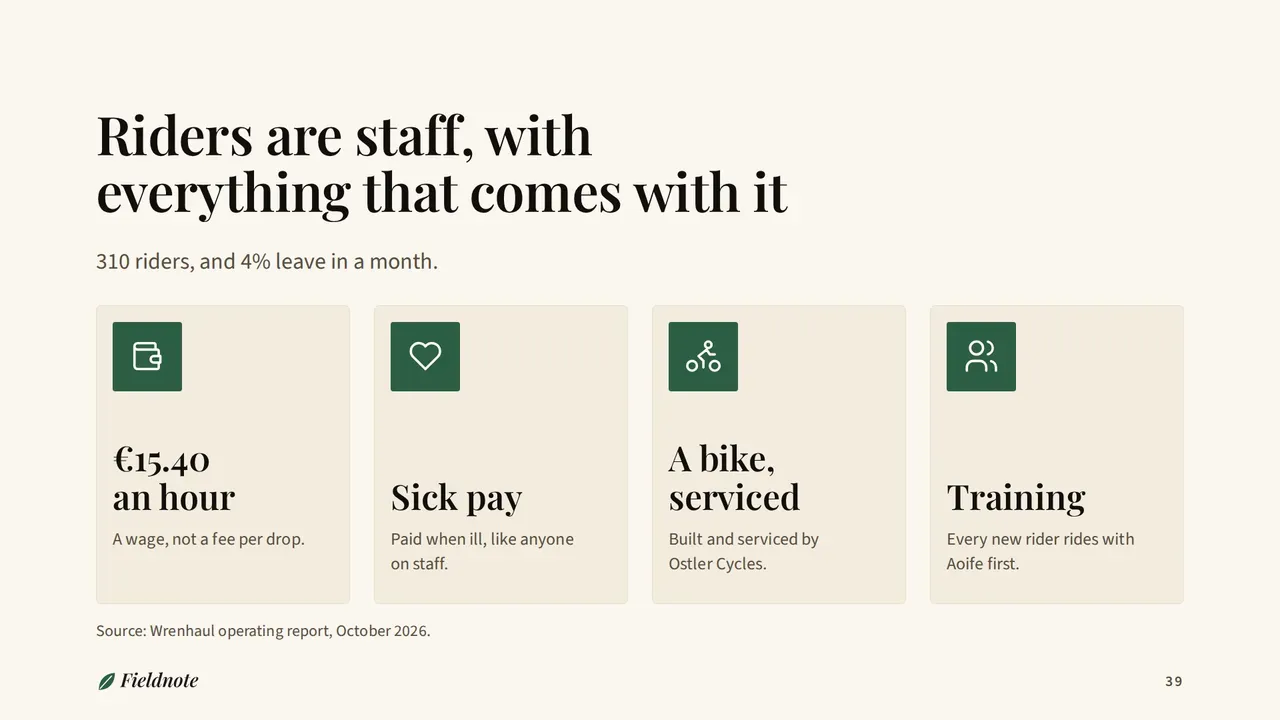
Four cards take the “four cards” variant, with shorter titles and text. This slide also sets reveal: true, which brings in one card per step; the still shows the last step.
When to use it
- The ideas are peers. Use
stepswhen they happen in order,statswhen each is a number,comparisonwhen they are alternatives measured on the same rows, andcontentfor a list. For six to twelve capabilities, usefeatures; for four boxes that each hold a list,quadrants; for questions and answers,faq; and for the takeaways to remember,recap. - Two to four cards. Each has a
titleof up to 28 characters and optionallytextof up to 56 and anicon. In a row of four, the limits are 22 and 44. - The body is one sentence. It says what the cards share, in up to 14 words. A source or caveat goes in
<Footnote>, up to 24 words. The slide title takes up to 60 characters. - Name the cards one at a time with
reveal: true, and put a[click]cue in the notes for each. See builds. - Icons come from the brand’s set. A deck that renders in several brands needs names every brand’s set has; icons lists the names all published brands share.
Reference
- Frontmatter
layout: cards- Surface
- the deck's default
- Title
- required, 60 characters at most
- PowerPoint
- title-only slide
Two to four parallel ideas of equal weight (pillars, options, principles), each a card with an icon from the brand set, a short title and a line or two of text, from cards: in the frontmatter. The cards share the row and the height under the title. Use it when the ideas are peers; use steps when they happen in order, stats when each is a number, comparison when they are alternatives measured on the same rows, and content for a list. reveal: true shows them one per step; use features for six to twelve capabilities, quadrants for four boxes, faq for questions and answers, or recap for takeaways.
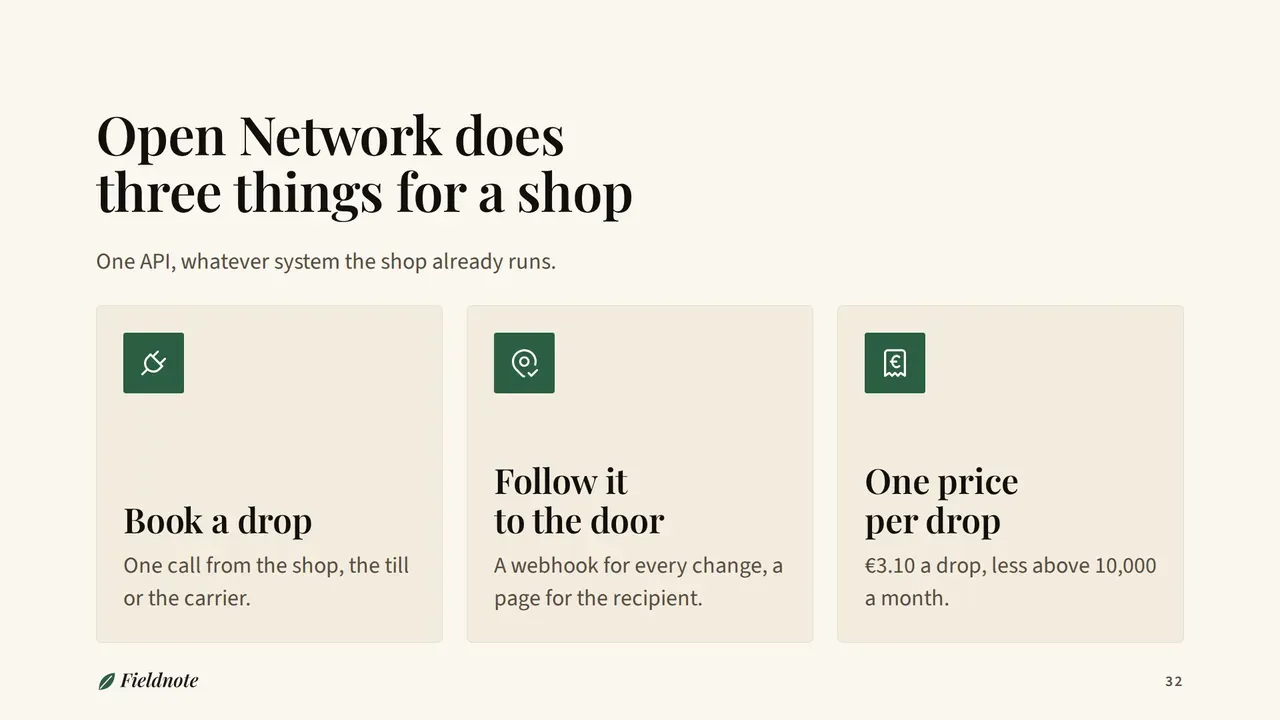
Slots
| Slot | Takes | Budget | What goes in it |
|---|---|---|---|
body | text | 14 words | One sentence under the title on what the cards have in common. Put the ideas in cards:, not here. |
<Footnote> | text | 24 words | A source or caveat on the bottom line. |
Frontmatter fields
| Field | Values | How to use it |
|---|---|---|
eyebrow | text | Write a few words of at most 40 characters, for example eyebrow: Budget committee, or leave it out. |
cardsrequired | text | List 2 to 4 cards, each with title (up to 28 characters, 22 in a row of four) and optionally text (up to 56, 44 in a row of four) and icon (a name in the brand icon set, such as leaf; use names every brand of the deck's sets has). |
reveal | true false (default) | Write reveal: true to show the items one per step, in order, or leave it out to show them all at once. |
chrome | true (default) false | Write chrome: false to hide the page number, logo and progress bar on this slide, or chrome: true to show them. |
Variants
- four cards —
cards[].title: 22 characters;cards[].text: 44 characters
Example
---
layout: cards
title: Three rules decide where a tree goes
eyebrow: Planting principles
cards:
  - icon: thermometer
    title: Hottest blocks first
    text: "Rank blocks by July surface heat; plant from the top."
  - icon: trees
    title: Large species only
    text: "Plane, oak and lime: crowns that shade the road."
  - icon: droplets
    title: Three summers of care
    text: "Water, mulch and check every tree for three years."
---

Every block in the plan passes all three.

<Notes>
Say the three rules, then say they come from the pilot: we broke each one once.
</Notes>
Common mistakes
-
Bullets in the body. The ideas belong in
cards:, and the body takes text only.deck lintreports a list there with theslot-contentrule:$ deck lint launch-review decks/launch-review/slides/windows.mdx error slot-content (windows): The body slot holds a list of 3 items; the cards layout sets it as text. Fix: Write it as a sentence, or move the points to a layout made for a list (content or split; `deck layouts`). launch-review: 1 error, 0 warnings in 1 slide (1 step checked). -
Adding a fourth card without shortening the others. The “four cards” variant applies to every card, so a title that was fine in a row of three becomes a
schemaerror: “cards[0].title: The cards layout sets at most 22 characters here (four cards), got 27.” -
An icon name the brand’s set lacks. It is a
schemaerror that suggests the closest names, for example “cards[0].icon: clockz-nopeis not an icon of the lucide set.” -
A fifth card. The schema stops at four: “cards: Expected at most 4 cards, got a list of 5 items.” Group the ideas, or set them as a
contentlist.
Related layouts
steps: numbered along a line, because the order matters.stats: two to four big numbers instead of ideas.columns: when each group holds several short items rather than one line of text.bento: facets of one subject, when one of them matters most.features: six to twelve capabilities in an open grid, each with an icon and a short title.quadrants: four named lists in a ruled two-by-two grid.faq: two to four questions, each with its answer.recap: two to four takeaways, each a large numeral beside one sentence.