The lookbook is one deck that shows everything the kit can make: every layout and every layout option, every chart, diagram and slide component, all four surfaces, all eight slide transitions, the five <Step> effects, focus, a count-up and a <Morph> pair. Use this page to find a slide that looks like the one you need and copy it into your own deck.
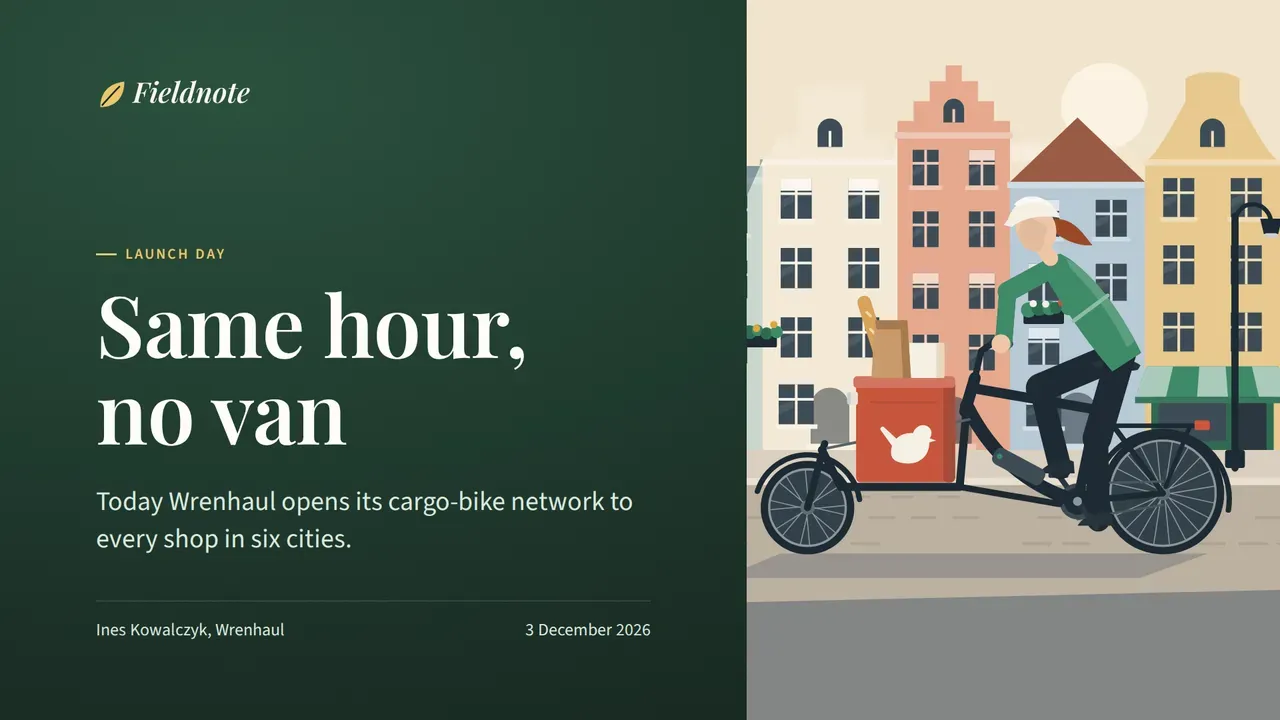
The published lookbook and its stills use Fieldnote. A slide you copy uses the brand of the deck you put it in.
It tells one story, so it reads as a talk rather than a specimen sheet: “Same hour, no van”, the launch-day talk of Wrenhaul, a cargo-bike delivery company. Wrenhaul, its people, customers and every figure are invented. The deck has 204 slides in 12 parts and 427 steps. Its slides’ budgets add up to 142 minutes 20 seconds, and deck.config.ts sets duration: '147m'. The whole deck is at /decks/lookbook/.
Version 0.7.0 adds 24 examples for product launches, AI demos, strategy reviews and investor pitches. Open each example and its MDX from presentation patterns.
Find what you need
- Parts are named after the job a slide does. Look in the part named after your problem: “Compare and decide”, “Prove it with a number”.
- Slide ids say what the slide shows, such as
split-photo-left-bleed,chart-waterfallormotion-wipe. They are also the file names inslides/. - The first line of every slide’s speaker notes names its recipe: the layout and the options that make the slide, and when to use it. Open the presenter window, or read the
<Notes>block in the source.
| # | Part | What it shows |
|---|---|---|
| 1 | Open | Covers with a picture beside or behind the title, a type-only cover, agendas, speaker introductions, dividers and a vision storyboard |
| 2 | Say one thing | Statements, quotes with and without a portrait, a picture across the slide with its text in each position, and one term defined, dictionary style |
| 3 | Explain | Text, images, cards, feature and bento grids, workflows, questions and answers, an exercise, a quiz and a pitch by analogy |
| 4 | Compare and decide | Comparisons, pricing, matrices, tables, risks, a strategy canvas, an expansion map and an investment committee decision |
| 5 | Prove it with a number | Stats, before and after, equations, market sizes, a profit pool, progress, a pictogram, a sparkline and a quiz on the cost of a drop |
| 6 | Show the pattern | Line, bar, donut, area, slope, funnel, table, scatter and heatmap examples, retention cohorts, market movement and dashboards |
| 7 | Show how it works | Flow, sequence and other diagrams, code and terminal sessions, a mini app, a live widget, a service blueprint, an experiment tree, a command palette and three AI demos |
| 8 | Show the product | Framed screens, galleries, a screenshot that morphs, a cued video, screen stories, a product cutaway, a sketch beside the finished view and a branching demo |
| 9 | People and proof | Founders, a row, a grid and a roster of people, logo walls, case studies with a customer’s quote and numbers, testimonials in columns, and user personas |
| 10 | Plan ahead and ask | Timelines, schedules, now-next-later boards, status reports, next actions, transit and hill roadmaps, a future-back plan and the ask |
| 11 | Motion | The same three beats set as statements, with each <Step> effect (rise, fade, scale, blur, wipe) and with focus |
| 12 | Close | Link cards, a download, a code to scan, takeaways to recap, a list of sources, and the closing slide in its two forms |
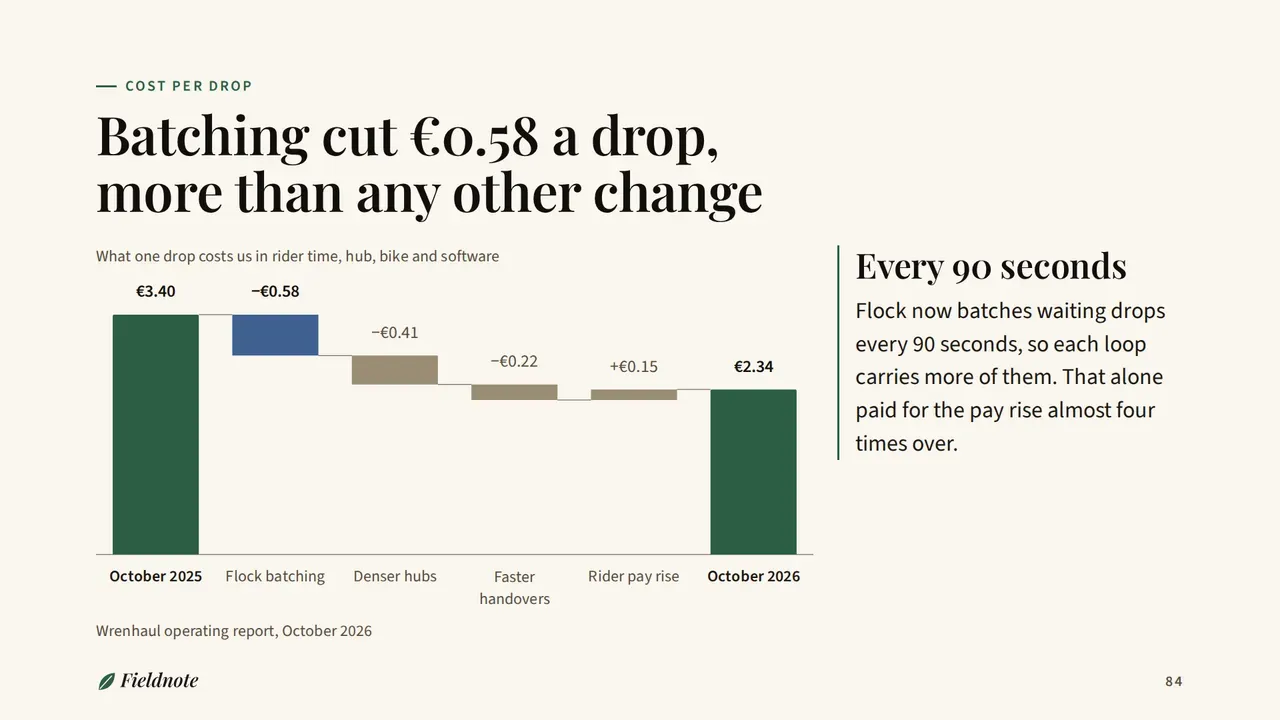
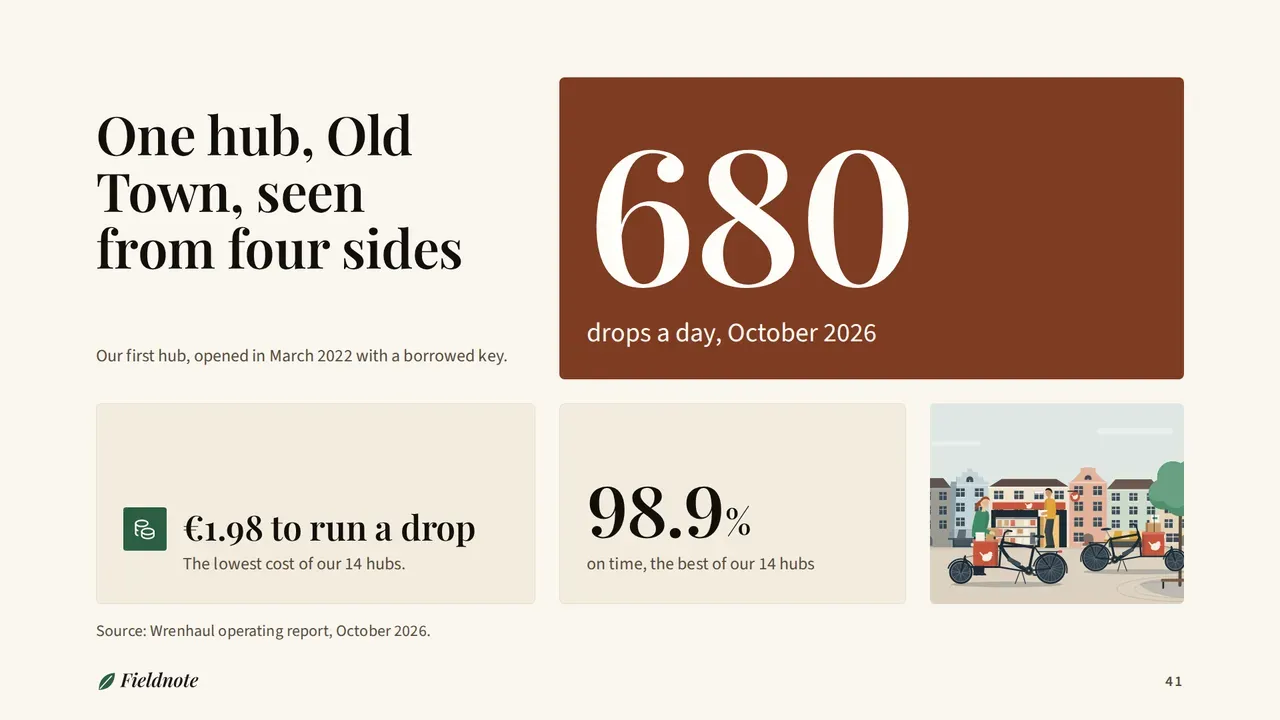
Two slides from the middle of the deck:
Copy a slide
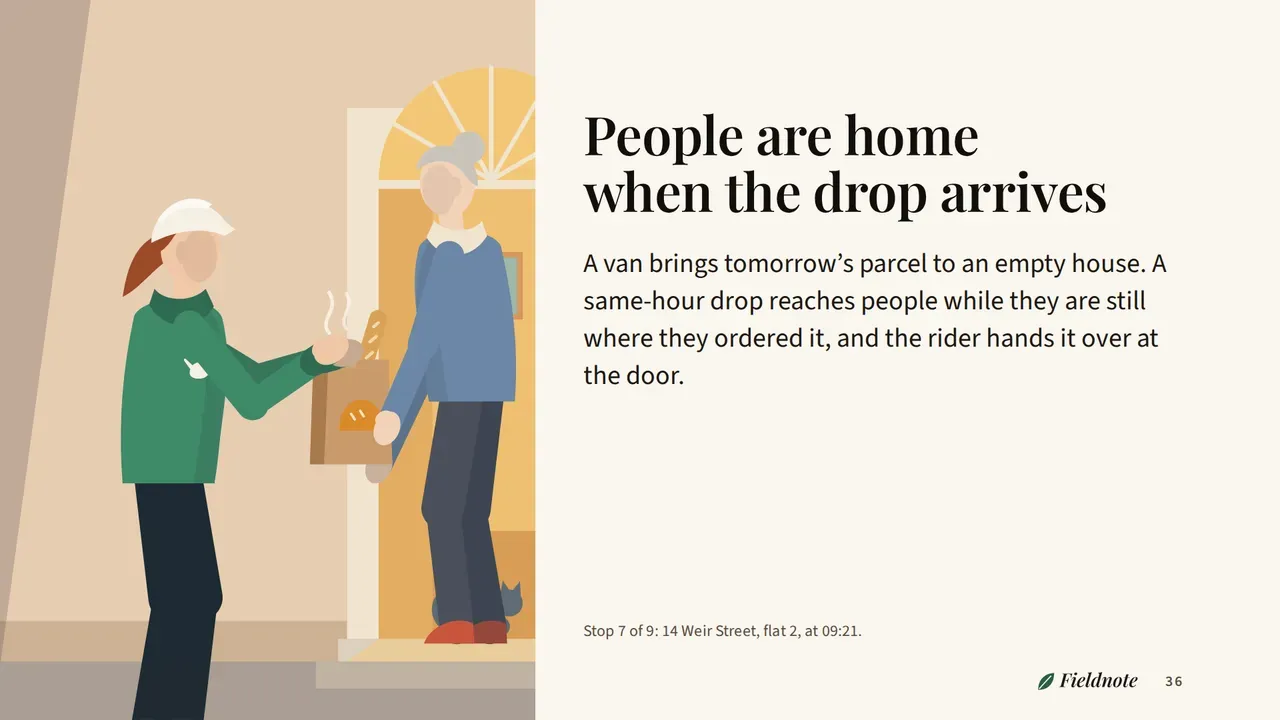
Here is a split slide with a picture that bleeds off the left edge. The source tab is the file to copy; the first line of its notes is the recipe:
---
layout: split
title: People are home when the drop arrives
ratio: 7:5
side: left
bleed: true
budget: 30s
---

A van brings tomorrow's parcel to an empty house. A same-hour drop reaches people while they are still where they ordered it, and the rider hands it over at the door.

<Media>
  <Image
    src="../assets/scenes/handover.svg"
    alt="Aoife hands a warm Brightloaf bag to an older woman at her front door, the hall lit behind her and a cat at her feet"
    focal={[66, 50]}
  />
</Media>

<Caption>Stop 7 of 9: 14 Weir Street, flat 2, at 09:21.</Caption>

<Notes>
`split` with `ratio: 7:5`, `side: left` and `bleed: true`; use it when a picture sets the scene and should run off the edge of the slide.
Next-day delivery fails at the door because nobody is home. Within the hour, the person who ordered is still there: this is the loaf from Brightloaf, at 14 Weir Street at 09:21. That is why a missed handover is rare for us, and why eight in ten recipients choose the hour when we offer it.
</Notes>
Slide 36 of the lookbook deckView on GitHub
-
Copy the slide file from the source tab, or from
decks/lookbook/slides/<id>.mdxin the v0.7.0 lookbook source, into your deck’sslides/folder. -
Copy the files the slide names. Pictures are in the lookbook’s
assets/folder (this one uses../assets/scenes/handover.svg), and their sources and licences are inassets/CREDITS.txt. A few chart slides read CSV files fromdata/, and the mini app and live widget slides import code fromlib/andapps/. Keep the same relative paths, or replace the files with your own. -
Add the slide id to
slidesin yourdeck.config.ts, rewrite the text for your talk, and rundeck lint <deck>.
To run the whole lookbook in your workspace, copy decks/lookbook/ from the repository and delete its package.json and tsconfig.json, as for the showcase. Run deck lint with @deckster/cli 0.7.0.
$ deck lint lookbook
lookbook: no problems in 204 slides (427 steps checked).
How it stays complete
A test in the repository, lookbook-coverage.test.ts, reads the kit’s catalogs and the lookbook’s slide files and fails with a list of what the deck does not show yet: layouts, layout option values, reveal: true, surfaces, transitions, step effects, focus, a <Morph> pair, charts, diagram components and slide components. A layout or component added to the kit fails that test until the lookbook has a slide for it.
Every layout’s fields, slots and budgets are on its own page under layouts. The motion part pairs with Builds and Transitions and morphs.