A slide’s colours, fonts, type sizes, spacing and logo all come from its brand, and no slide file names a colour or a font. After reading this page you will know what a brand holds, how surfaces vary it from slide to slide, how a deck gets its brand, and why a brand that breaks the rules does not load.
The same slide file, rendered in each of the five published brands:
 default
 nocturne
 fieldnote
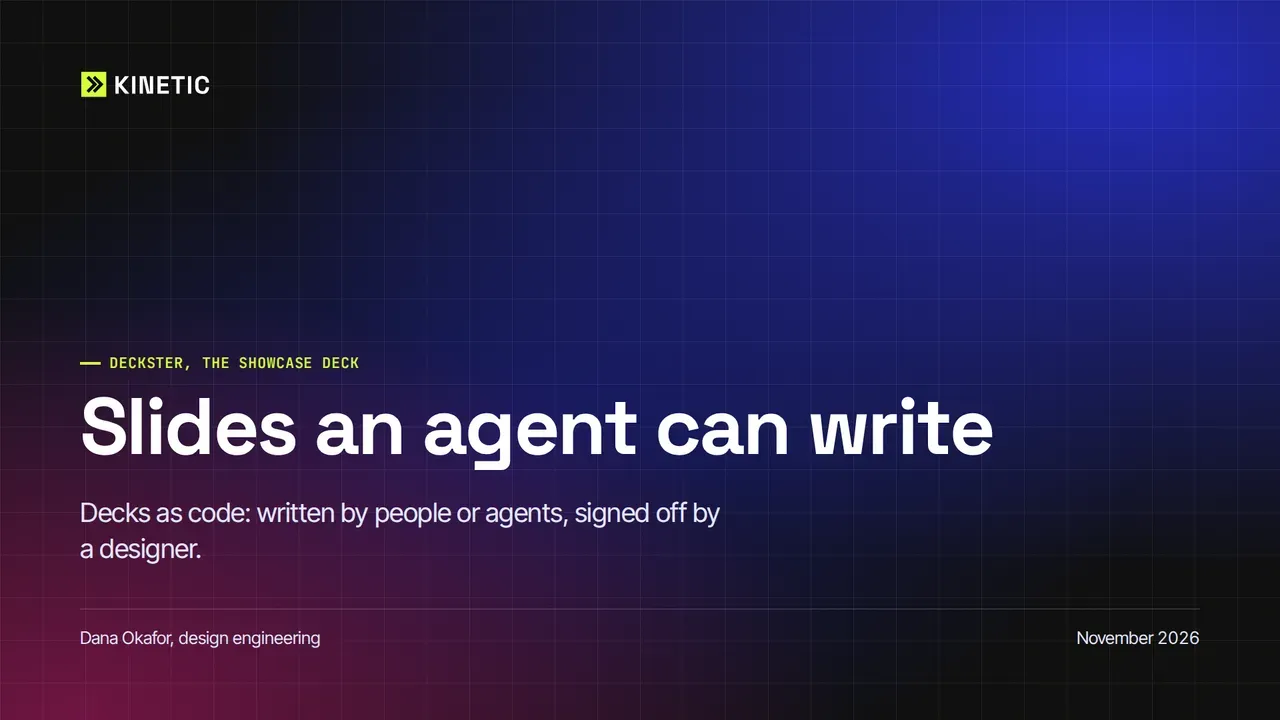 kinetic
 tidewater
--brandA brand is a typed file
A brand is a folder under brands/ with a brand.ts file. The file is data, typed and checked, and it covers:
- colour: palettes (named scales of steps such as
cobalt.600), the semantic roles built from them (bg,surface,fg,heading,muted,accent,accent-fg,border,positive,negative), the surfaces, and the data colours charts use; - gradients, typography (a display, body and mono family and a scale of eleven type steps in canvas pixels), shape (radii, strokes, shadows) and spacing (a scale, slide margins and a grid);
- the logo, the icon set, imagery treatments, chrome (page number, footer, progress, logo placement) and motion (easings, durations, the slide transition).
The default brand is the only one that ships with the npm CLI. To use another, see use a brand. Every field is listed in the brand schema.
Surfaces
A surface is a named set of roles. A slide asks for text-muted or bg-surface and gets the colour that role has on its surface. Every brand has default, inverse, accent and gradient surfaces and can add more.
The four slides of the hello deck use one surface each. The site renders them in Fieldnote, whose default surface has a cream background and whose inverse has a deep green background.
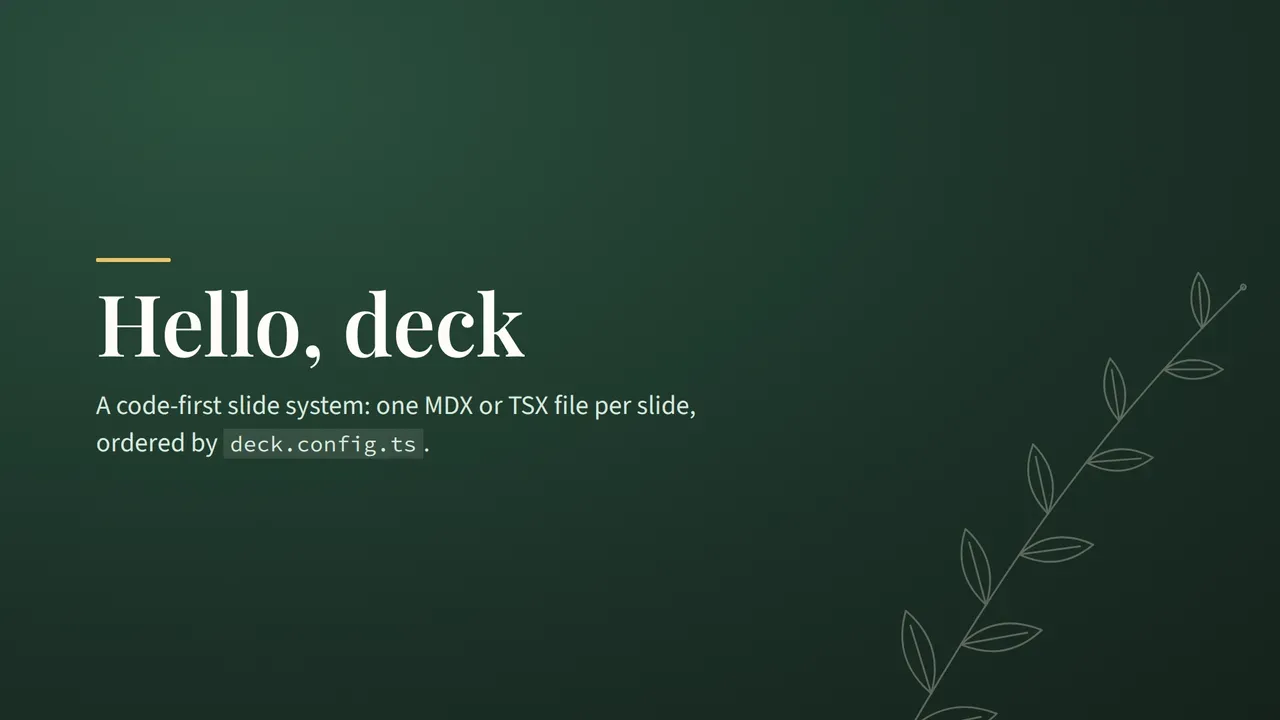
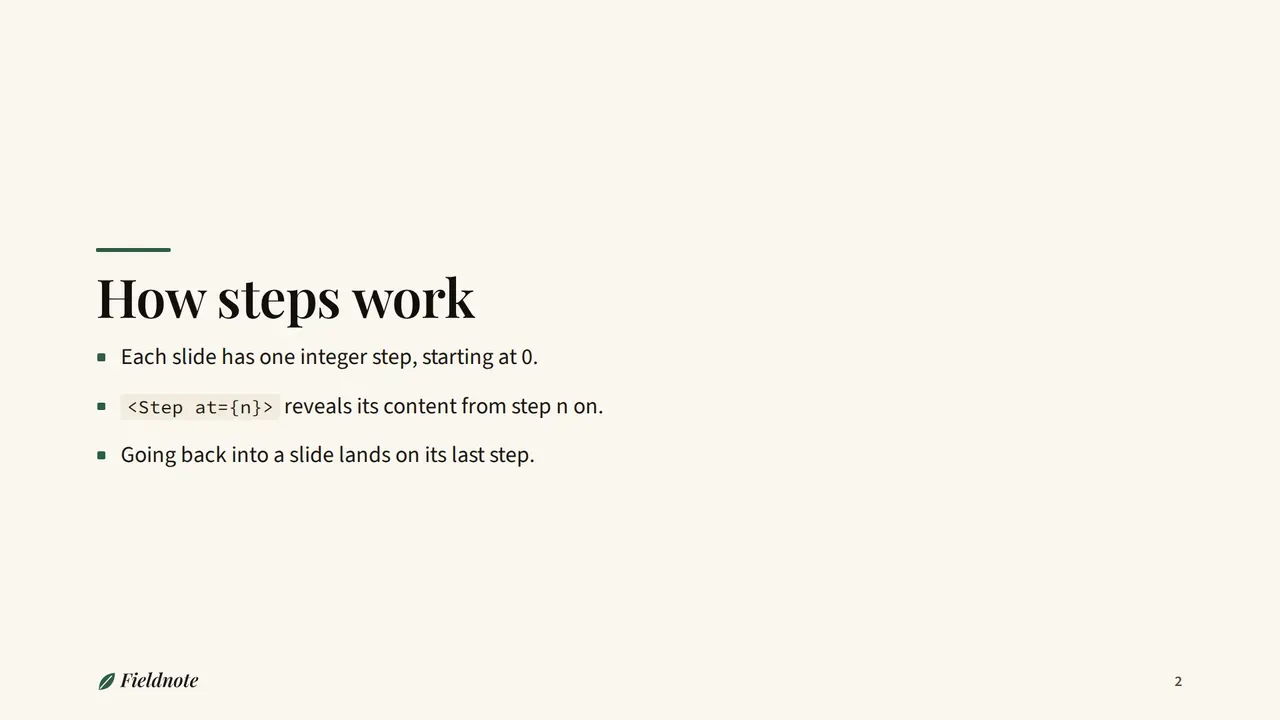


Each layout has a default surface: title and closing are on gradient, section on accent, statement and image on inverse, most others on default. A slide picks another with surface: in its frontmatter, and a surface the brand doesn’t have fails the build:
$ deck build launch-review
transforming...
✓ 852 modules transformed.
✗ Build failed in 641ms
Invalid frontmatter in decks/launch-review/slides/why-now.mdx:
  - surface: The default brand has no "dark" surface.
    Fix: Use one of the default brand's surfaces: default, inverse, accent, gradient.
Surfaces give a deck its rhythm without any slide naming a colour. A surface can also paint background layers, such as a photo, a pattern or a gradient: see palettes, surfaces and typography.
How a deck gets its brand
The deck’s deck.config.ts names it with brand: 'default', and a deck without that line uses default. To see a deck in another brand without editing anything, pass --brand <name> to deck dev, deck present, deck shot, deck diff, deck lint or deck export. The slide files stay the same: they name only roles, surfaces and type steps, which every brand defines.
A brand that is wrong does not load
Before a brand is used, deckster checks it: the fields and their types, every palette step, gradient, surface and logo it refers to, and its colours. On every surface, text needs a WCAG contrast of 4.5:1 against its background, and graphics 3:1. The data colours must stay distinguishable on the chart background and under colour-vision deficiencies. A brand that fails stops deck build, deck shot and deck lint before they render anything, and each error names the file, the field and the fix. A brand whose muted role was set to the pale ink.200:
$ deck brand check acme
brands/acme/brand.ts
  error   color.roles.muted: On the default surface, muted #d9dce4 on bg #fcfcfd has contrast 1.34:1; secondary text needs 4.5:1.
          Fix: Change muted to a color such as "#71747b", or change color.roles.bg.
  error   color.roles.muted: On the default surface, muted #d9dce4 on surface #f4f5f8 has contrast 1.26:1; secondary text on cards needs 4.5:1.
          Fix: Change muted to a color such as "#6d7077", or change color.roles.surface.
acme: cannot be used (2 errors, 0 warnings).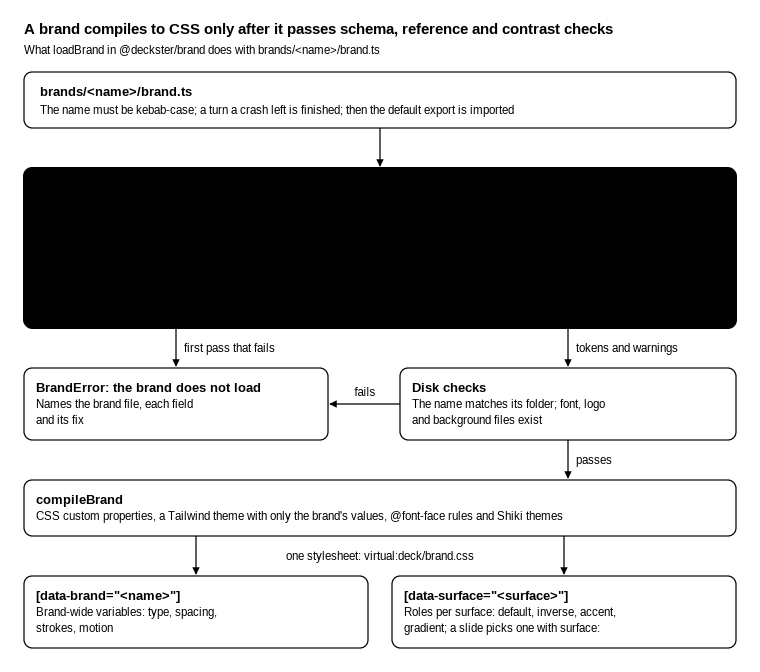
A brand that passes is compiled to one stylesheet, with brand-wide values set once and the role colours set once per surface.
Why slides never name a colour
The Tailwind theme a slide’s classes come from holds only the brand’s names. The colour, font, type size, radius, shadow and easing scales are replaced outright, so text-red-500 or font-serif matches nothing. You write role classes such as text-fg, text-muted or bg-surface, and type steps such as type-headline, instead. A colour written by hand, for example in a style attribute, still renders. deck lint measures the rendered slide and reports it as off-brand, as it does Tailwind numeric spacing and fonts or sizes outside the brand:
$ deck lint launch-review
decks/launch-review/slides/why-now.mdx
  error   off-brand (why-now step 0): "Support is fully staffed from February" uses the text color #e11d48, which is not a default brand token on the "default" surface.
          Fix: Use a role class such as `text-fg`, `text-muted`, `bg-surface` or `border-accent`, a palette step or a chart color instead of a hard-coded color. `deck brand --json` lists every color.

launch-review: 1 error, 0 warnings in 2 slides (2 steps checked).
Lint rules covers off-brand and contrast.