A brand can bring slide layouts of its own: the slides of an organisation’s template, such as a cover with a mark in one corner or a photo that runs off the edge. They live in brands/<name>/layouts.ts, next to brand.ts. This page shows you how to find a brand’s layouts, put one on a slide, what happens when the deck moves to a brand without it, and how to write layouts.ts for a brand of your own so it passes deck brand check.
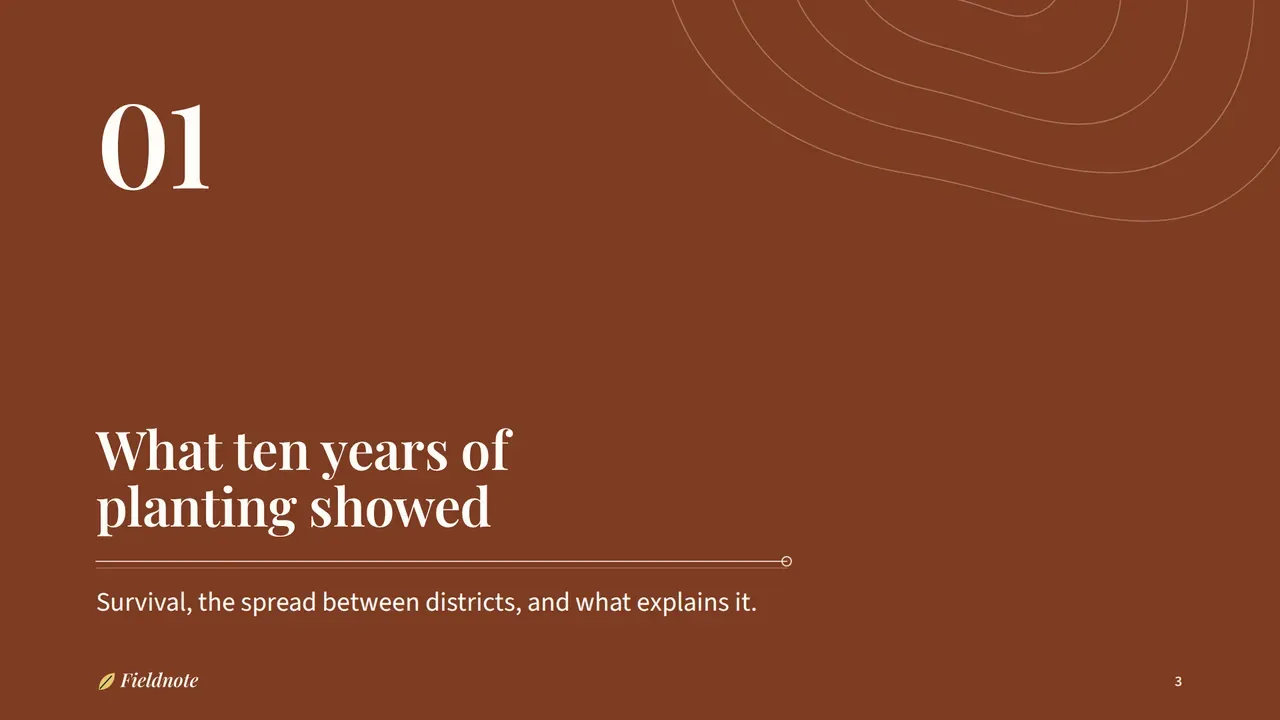
The Street trees, ten years on deck uses all four Fieldnote layouts. The part divider below uses fieldnote-section. Advance through the deck to see the photo and columns layouts.
The layouts a brand brings
Of the five published brands, fieldnote brings four layouts; default, nocturne, kinetic and tidewater bring none. Each falls back to a kit layout, which a deck on another brand renders instead.
| Layout | Label | Falls back to | Default surface |
|---|---|---|---|
fieldnote-cover |
Fieldnote cover | title |
inverse |
fieldnote-section |
Fieldnote section | section |
accent |
fieldnote-photo |
Fieldnote photo right | image |
default |
fieldnote-columns |
Fieldnote two columns | content |
default |
deck brand <name> names a brand’s layouts on its Layouts: line (Layouts: 4 (fieldnote-cover, fieldnote-section, fieldnote-photo, fieldnote-columns)), and deck layouts lists them with the kit’s. With --summary, the brand’s layouts come first, under a heading that names the brand, each with the layout it falls back to. --brand <name> lists another brand’s layouts than the deck’s:
$ deck layouts launch-review --brand fieldnote --summary
Layouts from the fieldnote brand (prefer these):
fieldnote-cover    surface inverse  title <= 36
                   A cover with a notebook margin rule down the left and a sprig mark top right: eyebrow, title, subtitle, byline and date set against the rule.
                   falls back to: title
                   slots: body text 14 words
fieldnote-section  surface accent   title <= 40
                   A part divider on terracotta: the part number large at the top left, the title low on the left over survey contour lines, and a one-line summary under a rule.
                   falls back to: section
                   slots: body text 16 words
fieldnote-photo    surface default  title <= 44
                   Text on the left under a double rule and a picture that runs off the right and bottom edges: eyebrow, title, a paragraph and a caption.
                   falls back to: image
                   slots: body text 24 words; <Caption> text 14 words; <Media>* image
fieldnote-columns  surface default  title <= 90
                   A title under an eyebrow with a rule below it, then two columns split by a hairline: the main text on the left and an aside, a note or a figure, on the right.
                   falls back to: content
                   slots: body* text/bullets/table/chart/component 72 words 6 bullets; <Aside> text/number 36 words

Other layouts:
default       surface default   title any
...
The output above is cut after the first kit layout. With --json, each layout also has source (brand:fieldnote for these, the package for the kit’s), fallback and label.
Put one on a slide
These steps use fieldnote in a workspace called talks with a deck called launch-review. To add the brand, see use a brand.
-
Set the deck’s brand in
decks/launch-review/deck.config.ts. A deck draws a brand layout only in the brand that defines it.import { defineDeck } from '@deckster/engine/config'; export default defineDeck({ title: 'Launch review', brand: 'fieldnote', slides: ['title'], }); -
Add a slide in the layout.
deck new slidetakes a brand layout like any other:$ deck new slide launch-review part-one --layout fieldnote-section decks/launch-review/slides/part-one.mdx decks/launch-review/deck.config.tsThe slide is the fallback’s example, cut down to what the brand layout shows:
--- layout: fieldnote-section title: Part one number: "02" --- Where we plant, in what order, and what it costs each year. <Notes> Say how long this part takes and what the committee will decide at its end. </Notes> -
Lint the deck:
$ deck lint launch-review
launch-review: no problems in 2 slides (2 steps checked).
A brand layout takes the slots and fields its boxes show, with the fallback’s descriptions, limits and checks, so fieldnote-section takes number and the body but not eyebrow or numeral, which section also has. Its budgets are the fallback’s or tighter. A slide’s surface overrides the layout’s default surface as on any layout.
The layout’s boxes stay fixed as the text steps down to fit them. Kit layouts adapt to their contents within the brand’s margins and grid. Use a brand layout when its regions and budgets fit the slide’s message. Choose a kit layout
MDX body content
Content outside named slot tags fills body. To see whether a brand layout draws that content, look for a region with bind: { slot: 'body' } in layouts.ts. You can also use the example from deck layouts <deck> --json as a starting point. The catalog includes a generic slots.body entry even for layouts with no body region. For example, a cover can bind a title and a byline without drawing a body.
In another brand: the fallback
A deck can be rendered in another brand without an edit (see use a brand). A slide on a layout the other brand lacks renders with the layout’s fallback, and deck lint reports brand-layout-fallback, a warning, for each such slide:
$ deck lint launch-review --brand default
decks/launch-review/slides/part-one.mdx
  warning brand-layout-fallback (part-one): The slide names the layout "fieldnote-section" of the "fieldnote" brand, which this deck's brand does not have, so it renders with the section layout.
          Fix: Switch the deck back to that brand, or pick a layout from `deck layouts launch-review` and set it in the slide's frontmatter.

launch-review: 0 errors, 1 warning in 2 slides (2 steps checked).
The swap happens when the deck is built, from the layouts.ts of the other brands in the workspace’s brands/ folder, which are read as data and never run. The built deck names only the kit layout. A slide is valid on its fallback whenever it is valid on the brand layout, because the brand layout’s contract is cut from the fallback’s. A layout that no brand in the workspace defines is an error, as for any unknown layout: layout: There is no "acme-cover" layout. When two brands define the same layout name with different fallbacks, the build fails and asks you to rename one.
Write layouts.ts
layouts.ts default-exports one defineBrandLayouts call around a list of plain values, like brand.ts: no imports other than @deckster/brand, no variables or functions. This is fieldnote-section from the published fieldnote brand:
import { defineBrandLayouts } from '@deckster/brand';

export default defineBrandLayouts([
  {
    name: 'fieldnote-section',
    label: 'Fieldnote section',
    description:
      'A part divider on terracotta: the part number large at the top left, the title low on the left over survey contour lines, and a one-line summary under a rule.',
    fallback: 'section',
    surface: 'accent',
    title: { box: [144, 400, 1100, 400], type: 'headline', anchor: 'end' },
    regions: [
      { bind: { field: 'number' }, box: [144, 130, 600, 200], type: 'stat', color: 'accent' },
      { bind: { slot: 'body' }, box: [144, 876, 1040, 120], type: 'lead' },
    ],
    background: [{ type: 'image', file: 'layouts/section-contours.svg', fit: 'cover' }],
    layers: 'over',
  },
]);Every box is [x, y, width, height] in pixels on the 1920x1080 canvas, measured from its top-left corner. A file holds up to 64 layouts. Each layout has the following fields.
| Field | Takes |
|---|---|
name |
Required. Kebab-case and unique in the file. It cannot be the name of a kit or engine layout: prefix it with the brand, as in fieldnote-section. |
label |
The layout’s name in the source template. A PowerPoint export names the slide layout after it. |
description |
Required. When to use it; deck layouts prints it. |
fallback |
Required. The kit or engine layout a deck on another brand renders the slide with. It also sets which slots and fields the layout may take. |
surface |
The surface a slide on the layout gets unless its frontmatter sets one; without it, the fallback’s. |
title |
Required. { box, type?, align?, anchor?, color? }, or false for no title, which a fallback that requires one refuses. type is a type step (title by default), color a role, align start, center or end across the box (start by default), and anchor the same down it (end by default). |
regions |
Required, up to 12 boxes. bind: { slot: 'body' } shows a slot of the fallback, bind: { field: 'eyebrow' } one of its frontmatter fields as text. kind is text (the default), media for a picture, or content. A text region takes type (body for a slot and label for a field by default), align, anchor (start by default) and color; a media region takes fit (cover, the default, or contain) and treatment, one of the brand’s image treatments. |
fields |
Fields of the fallback the layout accepts but does not draw, such as a setting. |
background |
The layout’s art: one list of background layers for every surface, or one list per surface name. A surface without an entry shows its own layers. |
layers |
replace (the default) draws the art in place of the surface’s background layers; over draws it on top of them. |
chrome |
logo, footer, progress and pageNumber set to false to hide them on the layout; pageNumber also takes a box to move the page number into. |
budget |
Per slot, maxWords, maxBullets and maxLines. Each limit is the lower of this one and the fallback’s, so a budget can only tighten. |
source |
Where the layout came from: file, and optionally master, layout and placeholders. The brand-import skill writes it; the build does not read it. |
The art is made of the same background layers as a surface’s background (image, placed, pattern and gradient; see fonts and assets), and its files sit in the brand folder: fieldnote keeps its six drawings in brands/fieldnote/layouts/. A media region that reaches two edges meeting at a corner covers that corner, and the page chrome that corner holds moves to the corner across the slide at the same height.
Check it
deck brand check <name> checks layouts.ts after brand.ts and names it on its own line when the brand has one. Each problem has its path in the file and a fix. Here a layout takes a kit layout’s name, and another binds a slot its fallback does not have:
$ deck brand check fieldnote
brands/fieldnote/brand.ts
brands/fieldnote/layouts.ts
  error   layouts[2].name: The layout name "quote" is already a layout of the kit or the engine.
          Fix: Rename it, for example "<brand>-quote"; brand layouts never replace kit layouts.
  error   layouts[3].regions[2].bind: The fallback "content" has no slot "media".
          Fix: Bind one of its slots: body, aside, footnote.
fieldnote: cannot be used (2 errors, 0 warnings).
The other errors: a fallback that is not a kit or engine layout; a field in fields the fallback lacks; a slot or field the fallback requires that the layout does not take; a field bound to a text region that is not a string or a number; no title when the fallback requires one; a budget for a slot no region binds, or maxLines for a slot of prose; two layouts with one name; a slot or field bound twice; a box outside the canvas or smaller than 40x40 pixels; a surface, type step, role, treatment or gradient the brand does not have; and a layout with no title and no regions. Text boxes that overlap are a warning, and so is a media region on a slot that takes no pictures, or a text region on one that takes only pictures. A brand with errors in layouts.ts cannot be used, like one with errors in brand.ts; check a brand covers the rest of the check.
New in v0.7.0. When someone installs your brand with deck brand add, the importer runs the catalog checks before publishing it. See Layout checks during installation.
In PowerPoint
deck export --pptx writes each brand layout the deck uses as a PowerPoint slide layout named after its label, such as Fieldnote section. The text stays editable on the template’s layout, and the first media region bound to a slot becomes a picture placeholder. The exporter places the art once in the slide layout. The dry run counts it.
$ deck export launch-review --pptx --dry-run
PPTX dry run (hybrid mode): native / picture / simplified / dropped
01 title [title]: 4 / 0 / 0 / 0
02 part-one [fieldnote-section, art in layout: 1]: 6 / 0 / 0 / 0
Total: 10 native, 0 picture, 0 simplified, 0 dropped.The rest of the export is on PowerPoint.
From a template
The brand-import skill reads a PowerPoint template (.potx) or a deck’s own slide layouts and writes layouts.ts with the art, a fallback for each layout and the boxes of its placeholders, for you to review against renders of the source. See import a brand.