A slide can show its content in stages: a list one point at a time, a chart one series at a time, a diagram one hop at a time. All of them run on one counter, the slide’s step. After reading this page you will know where a slide’s step count comes from, what moving forward and back does, and what screenshots and exports show. Builds shows how to write them.
One counter per slide
Each slide has one integer step that starts at 0, where nothing that waits for a step is shown. Content opts in: <Step at={1}> reveals what it wraps from step 1 on. Charts, diagram nodes and edges, and annotations take an at prop that does the same. at is required and must be an integer of 1 or more. A bare <Step> fails the build of an MDX slide and renders an error in a TSX slide.
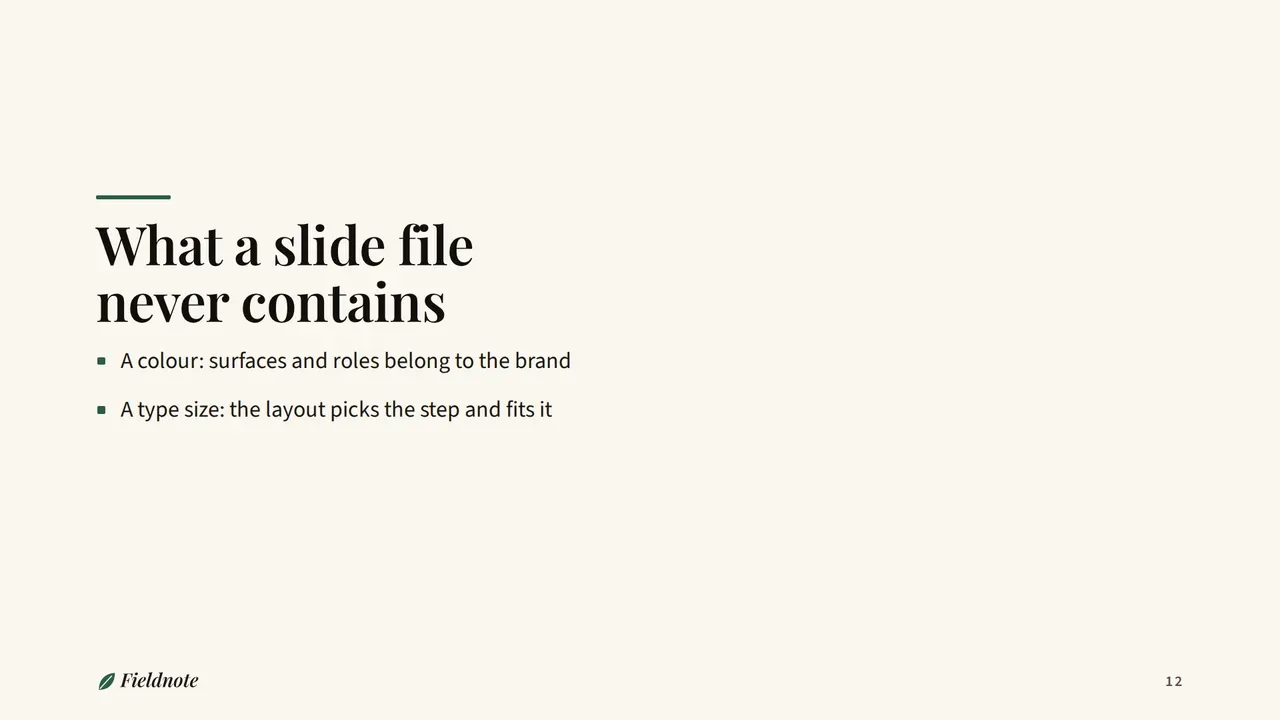
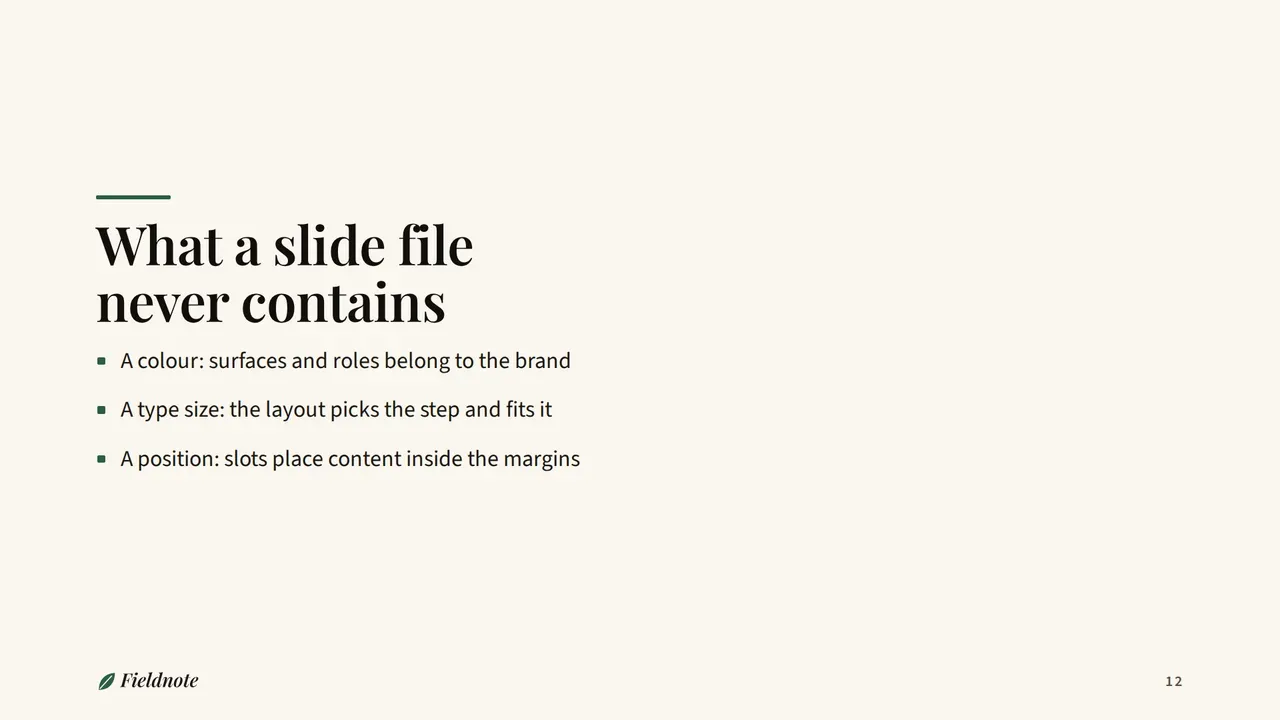
Text, charts, diagrams, code and video all read the same counter, so one press can reveal a bullet and the chart series it talks about together. Here four points come in one per step:
 0start
 1
 2
 3
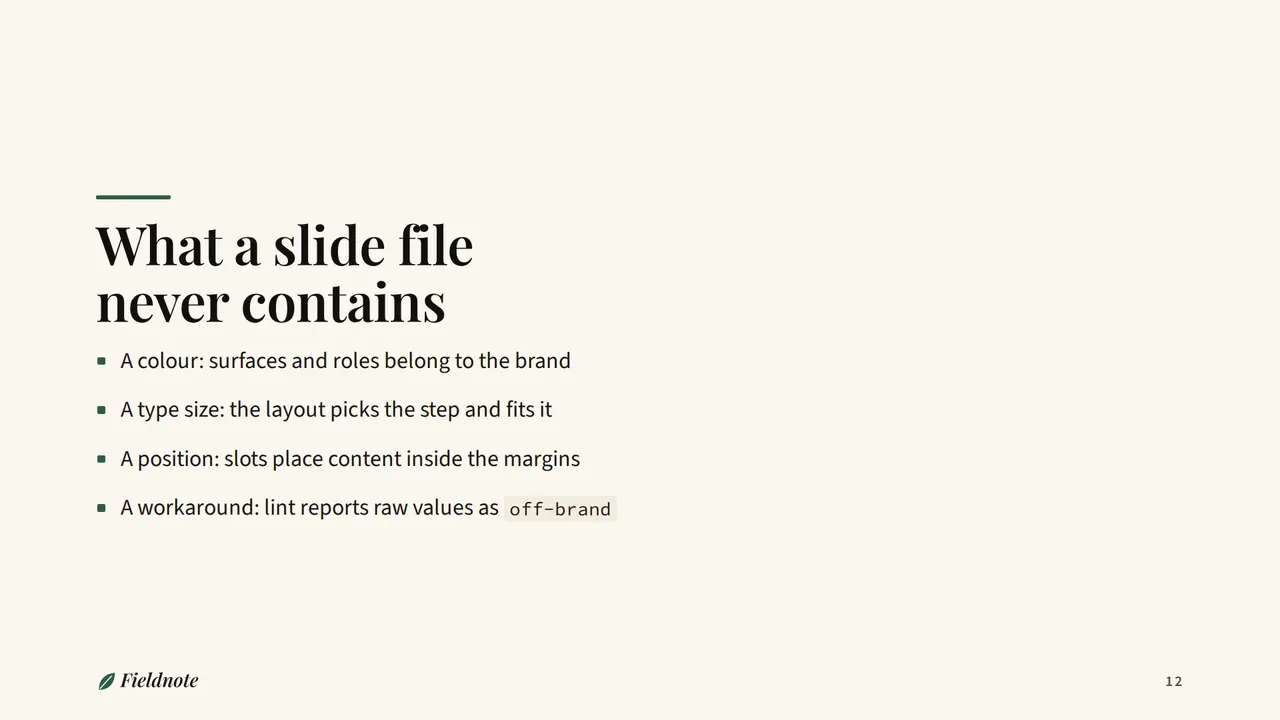 4finished
Where the step count comes from
A slide has as many steps as its content asks for, plus step 0; nothing in the frontmatter sets the number. These register steps:
<Step at={n}>and theatprop on charts, chart series, highlights, annotations and diagram parts;- a code fence with highlight ranges, one step per range (
{3-5|4|7}gives three); - the move from one version to the next in a
<CodeMove>; - the commands of a
<Terminal>, the cues of a<Video>and the steps an<AppFrame>says its app has; - a layout’s items when the slide sets
reveal: true, which thecards,timelineandstepslayouts and others allow.
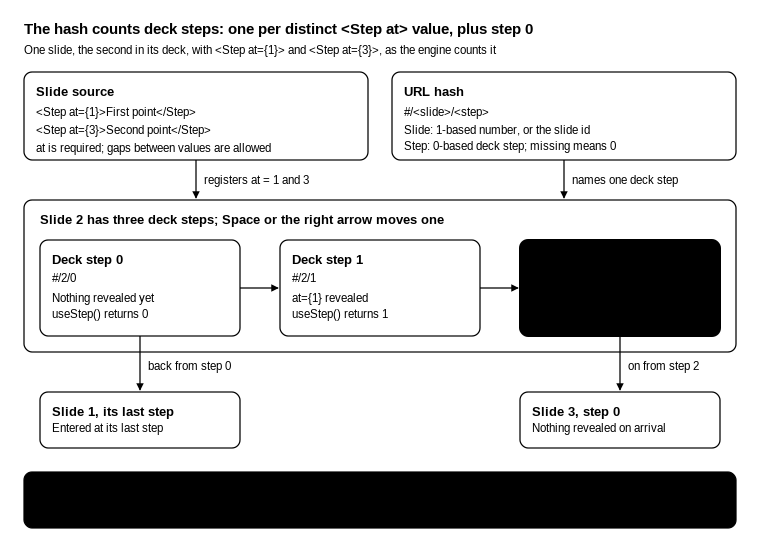
Distinct at values become consecutive deck steps, so a gap never leaves a dead press. A slide with <Step at={1}> and <Step at={3}> has steps 0, 1 and 2, and deck step 2 reveals at={3}. Slide code still sees the numbers it wrote: useStep() returns 3 there.
Moving forward and back
The right arrow, Space and Page Down move one step. From a slide’s last step, the next press opens the next slide at step 0. Moving back walks the steps down, and from step 0 it opens the previous slide at its last step, with everything shown.
The URL hash holds both numbers: #/<slide>/<step>, with the slide counted from 1 and the step from 0. Every move rewrites it, so a reload or a shared link opens the same slide at the same step.
Click the slide below to load the deck, then press the right arrow: the 2026 line comes in, then the callout, then the bracket.
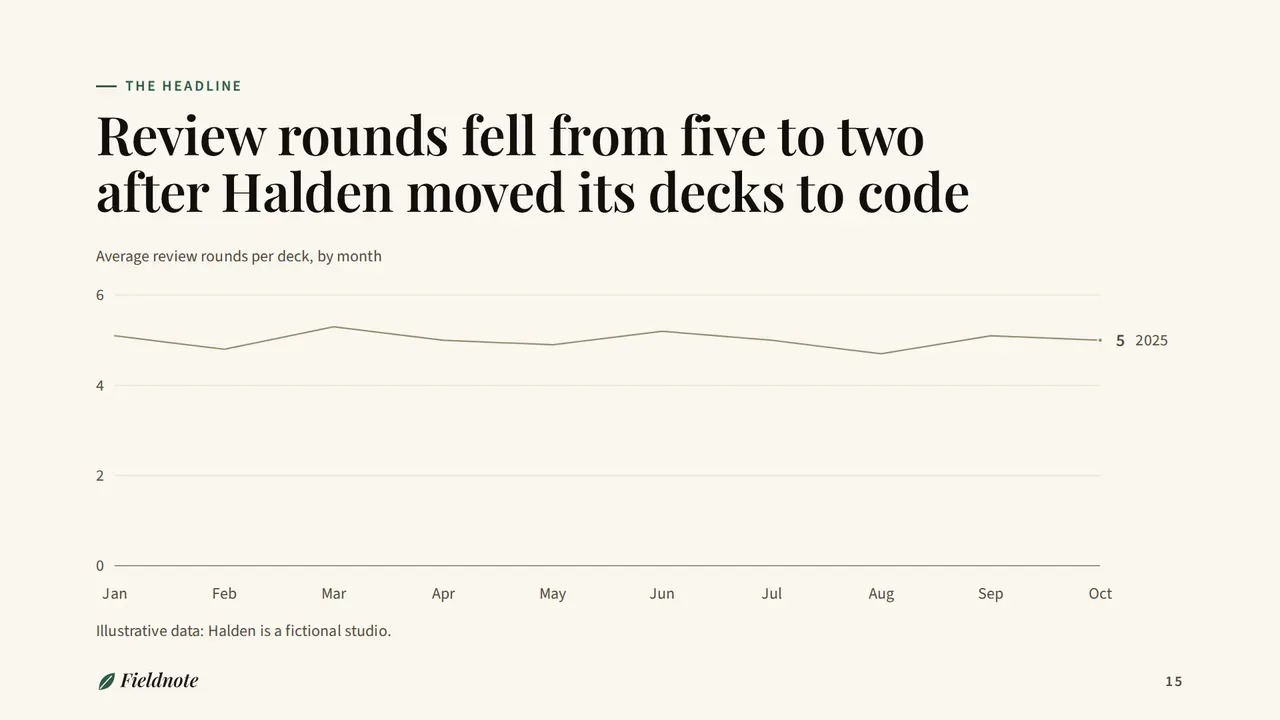
Motion between slides, such as a fade or a morph, is not a step. Transitions and morphs covers it.
What screenshots and exports show
deck shot and deck export render the deck in static mode and capture each slide at its last step, with everything shown. So a slide that builds must read on its own when complete: that is what a PNG or a PDF page shows. To capture every stage:
deck shot <deck> --stepswrites one PNG per step, named like02-steps.step0.png.deck export <deck> --stepswrites one PDF page or PPTX slide per step.- A PPTX export turns steps into PowerPoint click animations.
--no-animationsturns that off; see PowerPoint.
deck lint measures every step of every slide, so content that overflows only at an intermediate step is still caught.
Steps follow the talk
Add steps when the speaker explains something in parts: one step per part, in the order the notes explain them. Leave a slide whole when nothing on it is explained part by part. The notes of the chart above mark each press with a [click] cue: “This year starts the same. [click] In April the decks move to code. [click] By autumn a deck needs two rounds, a drop of more than half.” In a deck with four or more chart, diagram and code slides, deck lint warns with few-builds when fewer than 25% of them build in steps. See speaker notes, and the deck API reference for the hash and window.__deck.