The faq layout sets two to four questions, each a heading with its short answer under it. Use it to answer the practical objections or recurring questions that stand between the audience and a decision.
Example
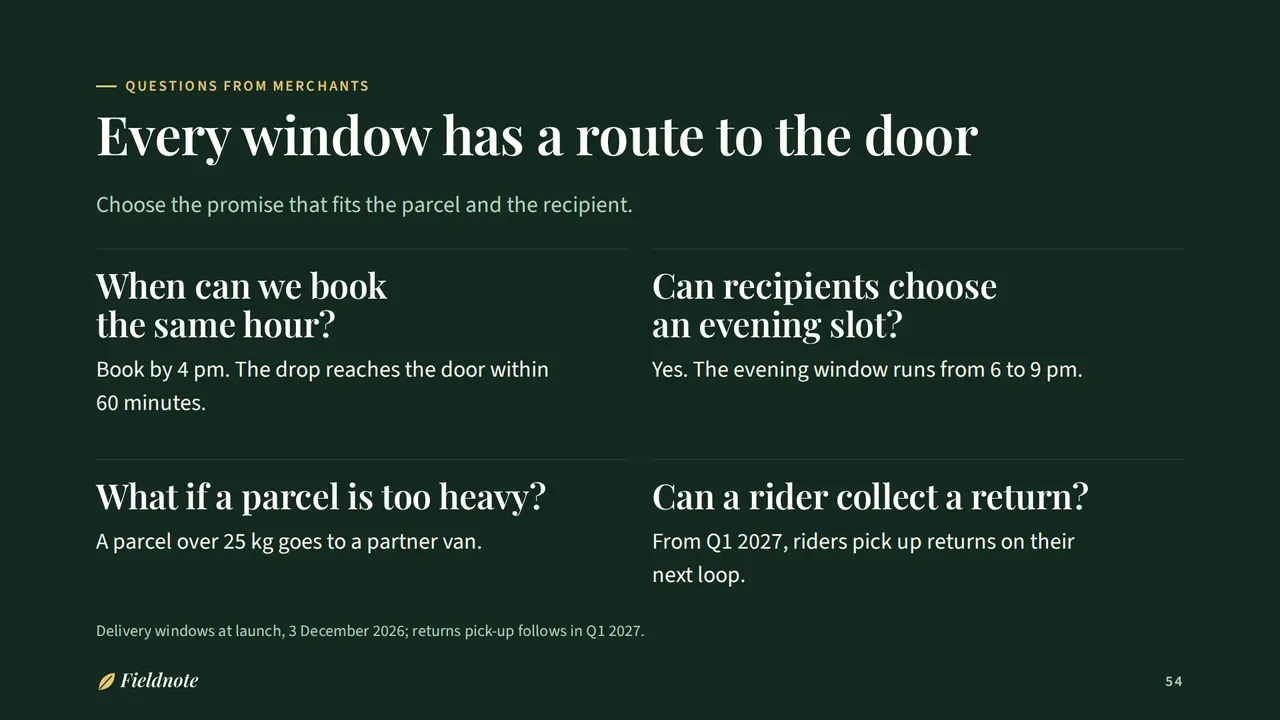
---
layout: faq
title: Every window has a route to the door
eyebrow: Questions from merchants
surface: inverse
reveal: true
budget: 55s
questions:
  - q: When can we book the same hour?
    a: Book by 4 pm. The drop reaches the door within 60 minutes.
  - q: Can recipients choose an evening slot?
    a: Yes. The evening window runs from 6 to 9 pm.
  - q: What if a parcel is too heavy?
    a: A parcel over 25 kg goes to a partner van.
  - q: Can a rider collect a return?
    a: From Q1 2027, riders pick up returns on their next loop.
---

Choose the promise that fits the parcel and the recipient.

<Footnote>Delivery windows at launch, 3 December 2026; returns pick-up follows in Q1 2027.</Footnote>

<Notes>
`faq` with four pairs in a two-column grid, `reveal: true`, context and a footnote on inverse; use it to walk through practical questions one complete pair per click.
[click] Same hour means sixty minutes, booked by four. [click] Evening is a separate window, six to nine. [click] Heavy parcels still have a route: the partner van. [click] Returns pick-up follows in the first quarter, on the rider's next loop.
</Notes>
Slide 54 of the lookbook deckView on GitHub
The pairs are questions: in the frontmatter, each with a q and an a. Four pairs form a two-column grid read left to right, then down. reveal: true brings in one complete pair per step, so a question never appears without its answer.
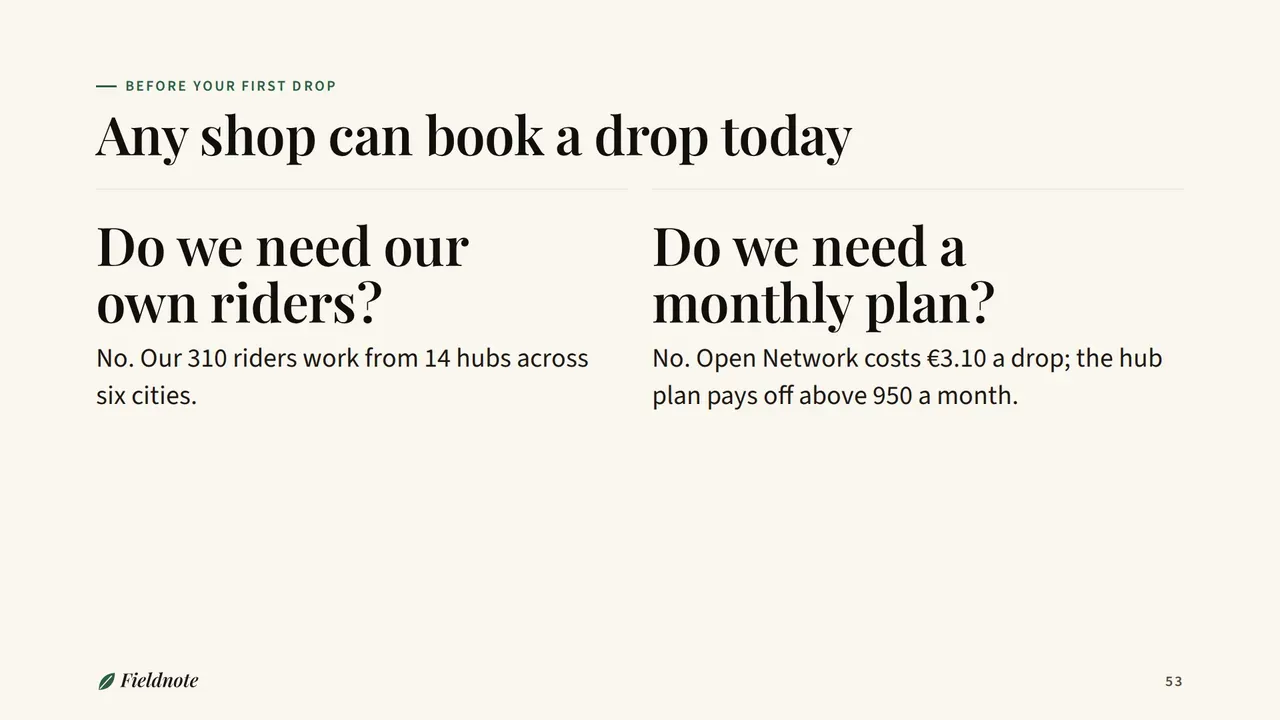
Two pairs sit side by side, with larger type for the questions and the answers. This slide has no body and no footnote, so the pairs have the whole slide.
When to use it
- Each
qis a question the audience would ask. Usecardsfor parallel claims that are not questions,comparisonfor alternatives measured on shared criteria, andcontentfor one long explanation. - Two to four pairs. A
qtakes up to 52 characters and anaone or two sentences of up to 140; with three or four pairs the limits are 44 and 104. Three pairs leave the last cell empty. - The body is one sentence of up to 14 words introducing the questions; the pairs themselves belong in
questions:. A source or date goes in<Footnote>, up to 16 words. The title takes up to 50 characters. - Answer one pair at a time. With
reveal: true, put a[click]cue in the notes for each pair; see builds. Stills and static views show every pair.
Reference
- Frontmatter
layout: faq- Surface
- the deck's default
- Title
- required, 50 characters at most
- PowerPoint
- title-only slide
Two to four question-and-answer pairs from questions:, under a title that states the point. Each q is the heading of its block, followed by its short a: one or two sentences. Two pairs sit side by side with title-sized questions and lead answers; three or four form a two-column grid in reading order, with the last cell empty for three. Use it to answer practical objections or recurring questions before a decision. Use cards for parallel claims that are not questions, comparison for alternatives measured on shared criteria, and content for one long explanation. reveal: true reveals one complete pair per step, question and answer together; static views and exports show every pair.
Slots
| Slot | Takes | Budget | What goes in it |
|---|---|---|---|
body | text | 14 words | One sentence introducing the questions. Put the pairs in questions:, not here. |
<Footnote> | text | 16 words | A source, qualification or date on the bottom line. |
Frontmatter fields
| Field | Values | How to use it |
|---|---|---|
eyebrow | text | Write a few words of at most 40 characters, for example eyebrow: Budget committee, or leave it out. |
questionsrequired | text | List 2 to 4 pairs, each with q (a question of up to 52 characters, 44 with 3 or 4 pairs) and a (one or two sentences of up to 140 characters, 104 with 3 or 4 pairs). Put them in reading order, left to right then down. |
reveal | true false (default) | Write reveal: true to show the items one per step, in order, or leave it out to show them all at once. Each step shows a complete question and its answer together. |
chrome | true (default) false | Write chrome: false to hide the page number, logo and progress bar on this slide, or chrome: true to show them. |
Variants
- three or four questions —
questions[].q: 44 characters;questions[].a: 104 characters
Example
---
layout: faq
title: Every tree gets three summers of care
eyebrow: Before we plant
questions:
  - q: "Who waters the trees?"
    a: Our crews water each tree for its first three summers.
  - q: "What if a tree dies?"
    a: We replace it in the next planting season and restart its care.
---

<Notes>Answer the two questions residents ask most often.</Notes>
Common mistakes
-
Adding a third question without shortening the first two. The three-or-four variant applies to every pair, so a question that was fine beside one other becomes a
schemaerror:$ deck lint launch-review decks/launch-review/slides/windows.mdx error schema (windows): questions[0].q: The faq layout sets at most 44 characters here (three or four questions), got 49. Fix: Shorten it to the essentials; `deck layouts --json` lists the limits of each variant. launch-review: 1 error, 0 warnings. -
A long introduction. Past 14 words,
content-budgetreports “The body slot holds 19 words; its layout allows 14.” Cut it to one sentence, or leave the body out. -
A fifth pair. The schema stops at four: “questions: Expected at most 4 questions, got a list of 5 items.” Put the rest on a second slide.
-
An answer that is a paragraph. An answer takes one or two sentences; move the reasoning to the
<Notes>.
Related layouts
cards: parallel claims that are not questions, each with an icon and a title.comparison: alternatives measured on the same rows.content: one explanation, in a paragraph or a short list.