The columns layout sets two to four headed columns of short items as a board: a roadmap of now, next and later, work by status, or a plan in three parts. Each column has a heading, an optional tag and one to four items, and you can light the column that matters now.
Example
---
layout: columns
title: Four cities and six hubs open between April and June
eyebrow: The next four cities
reveal: true
columns:
  - title: Saltby
    note: April 2027
    items:
      - Quayside hub, Mill Green in autumn
      - 22 riders on the roster
      - 31 merchants with letters of intent
      - Densest centre, keenest council
  - title: Ardwen
    note: May 2027
    items:
      - Cathedral Close and Ropewalk hubs
      - 48 riders on the roster
      - 24 merchants with letters of intent
      - Dense; the council still deciding
  - title: Fallowmere
    note: May 2027
    items:
      - Weavers Yard hub
      - 20 riders on the roster
      - 12 merchants with letters of intent
      - A small centre, a willing council
  - title: Tarnock
    note: June 2027
    items:
      - Northbridge and Fishmarket hubs
      - 44 riders on the roster
      - 19 merchants with letters of intent
      - Dense, but the council is wary
budget: 50s
---

<Footnote>Opening plan as of November 2026, the plan the Series A is raised against.</Footnote>

<Notes>
`columns` with four columns and `reveal: true`, one city per click; use it when each group holds the same few facts and the order matters.
[click] Saltby first, in April: the densest centre of the four, one hub to start and a second in the autumn. [click] Ardwen in May, with two hubs. [click] Fallowmere the same month, one hub in a small centre. [click] And Tarnock in June, where we still have a council to win over. Six hubs, 134 riders and 86 merchants waiting before we open a door.
</Notes>
Slide 183 of the lookbook deckView on GitHub
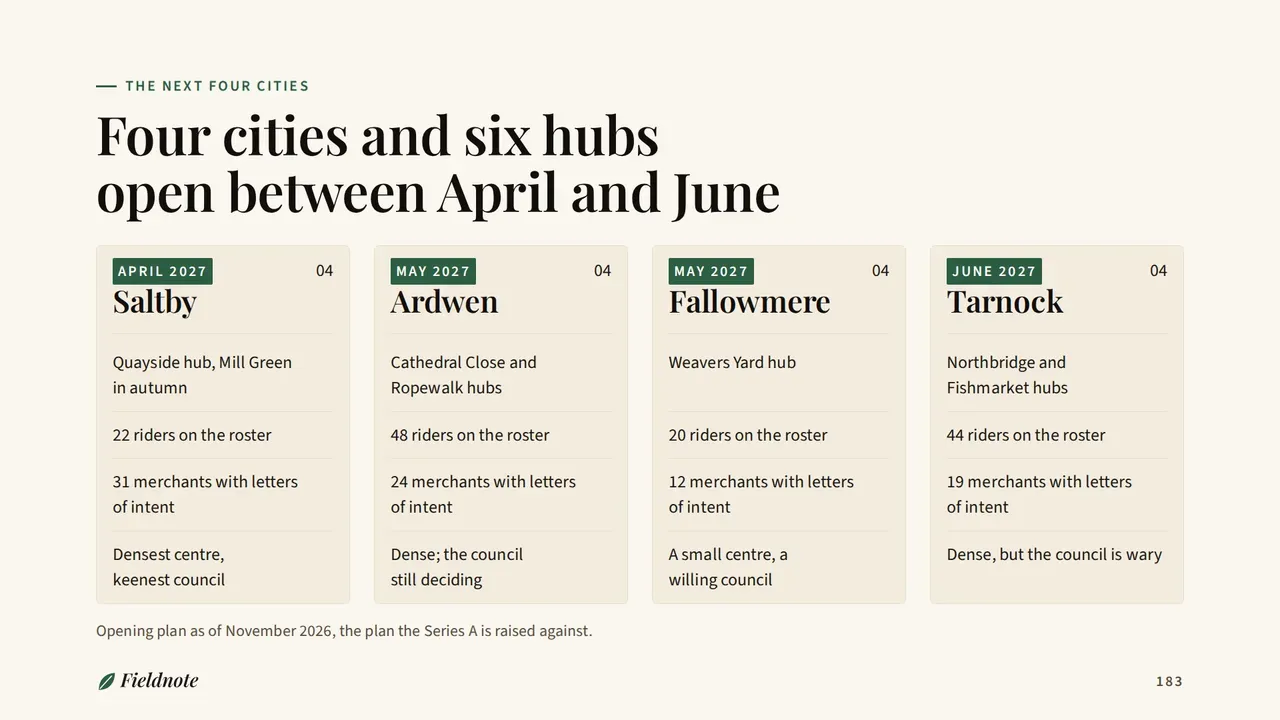
Each column comes from one entry in columns:. Its note: is the tag above the heading, and the number beside the tag counts its items. The items line up across the columns in even rows, and reveal: true brings in one city per step; the still shows the last step.
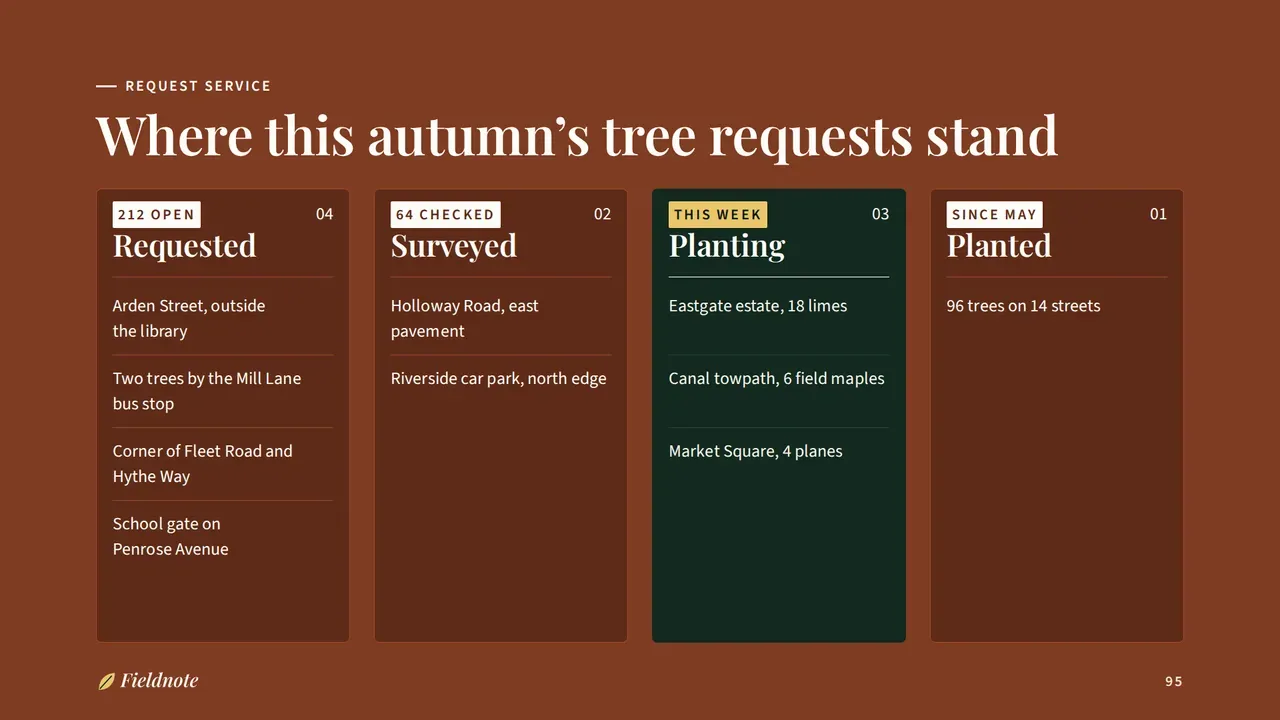
current: 3 lights the third column. A lit column takes the accent surface; on a slide that is itself on the accent surface, as here, it takes the inverse surface instead, so it still stands out.
When to use it
- Each group holds several short items. Use
cardswhen each idea is one card with a line of text,stepswhen the groups are stages of one process,timelinewhen they have dates, andcomparisonwhen options are measured on the same rows. For four boxes, usequadrants; for the readiness of workstreams,status; for commitments with owners and deadlines,actions; and for durations on a time axis,schedule. - Two to four columns, one to four items each. A fourth column shortens every column’s
title,noteand items; the reference below gives the limits. - One column matters now. Set
current:to its number (1 is the first) and the others stay quiet. - Read across. Items share rows, so two columns can pair each ask with its answer on the same line, as the
columns-asksslide of the layouts deck does. - A source or caveat goes in
<Footnote>.
Reference
- Frontmatter
layout: columns- Surface
- the deck's default
- Title
- required, 60 characters at most
- PowerPoint
- title-only slide
Two to four headed columns of short items, set as a board: a roadmap of now, next and later, work by status, or a plan in three parts. Each column, from columns:, has a title, an optional note (a short tag such as a quarter or a status) and one to four items of a line or two; the items line up across the columns in even rows. current: lights the column that matters now on the accent surface while the others stay quiet, and reveal: true brings the columns in one per step. Use it when each group holds several short items; use cards when each idea is one card with a line of text, steps when the groups are stages of one process, timeline when they have dates, and comparison when options are measured on the same rows; use quadrants for four boxes, status for readiness, actions for owners and deadlines, or schedule for durations.
Slots
| Slot | Takes | Budget | What goes in it |
|---|---|---|---|
body | — | Content outside every slot tag (in TSX, the default export). | |
<Footnote> | text | 24 words | A source or caveat on the bottom line. |
Frontmatter fields
| Field | Values | How to use it |
|---|---|---|
eyebrow | text | Write a few words of at most 40 characters, for example eyebrow: Budget committee, or leave it out. |
columnsrequired | text | List 2 to 4 columns, each with title (up to 24 characters, 16 with four columns), optionally note (a tag of up to 16, 12 with four: "Q1 2027", "Funded") and items: 1 to 4 short lines of up to 48 characters (40 with four columns), in order. |
current | text | Write the number of the column that matters now, current: 1 for the first, to set it on the accent surface, or leave it out. |
reveal | true false (default) | Write reveal: true to show the columns one per step, in order, or leave it out to show them all at once. |
chrome | true (default) false | Write chrome: false to hide the page number, logo and progress bar on this slide, or chrome: true to show them. |
Variants
- four columns —
columns[].title: 16 characters;columns[].note: 12 characters;columns[].items[]: 40 characters
Example
---
layout: columns
title: Next year we move from planting to keeping
eyebrow: Roadmap 2027
current: 1
columns:
  - title: Now
    note: Q1 2027
    items:
      - Plant the last 300 trees on the east side
      - Hire two more arborists
  - title: Next
    note: Q2 to Q3
    items:
      - Sign up 400 watering wardens
      - Map every tree in the app
  - title: Later
    note: "2028"
    items:
      - Extend the programme to Northgate
---

<Footnote>Every column is funded in the 2027 budget.</Footnote>

<Notes>
Start with now: the planting finishes in spring. Then next and later, briefly.
</Notes>
Common mistakes
-
Long headings on a board of four. The “four columns” variant tightens every column, so adding a fourth column can push existing headings over.
deck lintreports aschemaerror that names the field:$ deck lint launch-review decks/launch-review/slides/cities.mdx error schema (cities): columns[0].title: The columns layout sets at most 16 characters here (four columns), got 21. Fix: Shorten it to the essentials; `deck layouts --json` lists the limits of each variant. launch-review: 1 error, 0 warnings. -
A fifth item in a column. The schema stops at four: “columns[0].items: Expected at most 4 items in a column, got a list of 5 items.” Merge items or move detail into the notes.
-
A
current:past the last column. It is aschemaerror that names the count, such as “current: 4 names column 4, but there are 3 columns.” -
Text outside
<Footnote>. The layout draws only its columns and the footnote. A paragraph under the frontmatter is not shown, anddeck lintdoes not report it.
Related layouts
cards: one idea per card, with an icon and a line of text.timeline: when the groups are dated milestones on a line.steps: when the groups are stages of one process, in order.comparison: options measured on the same labelled rows.quadrants: four named lists in a ruled two-by-two grid.status: three to seven workstreams, each with a named state, for a readiness check.actions: three to six next actions, each with an owner and a due date.schedule: lanes of duration bars on one axis of labelled periods.
reveal and the other ways a slide builds are on builds.