Hello is the smallest complete deck. Its four slides use one surface each and show frontmatter, speaker notes, steps, a TSX slide and an image. The preview uses Fieldnote. The source config uses the CLI’s default brand when you run it locally.
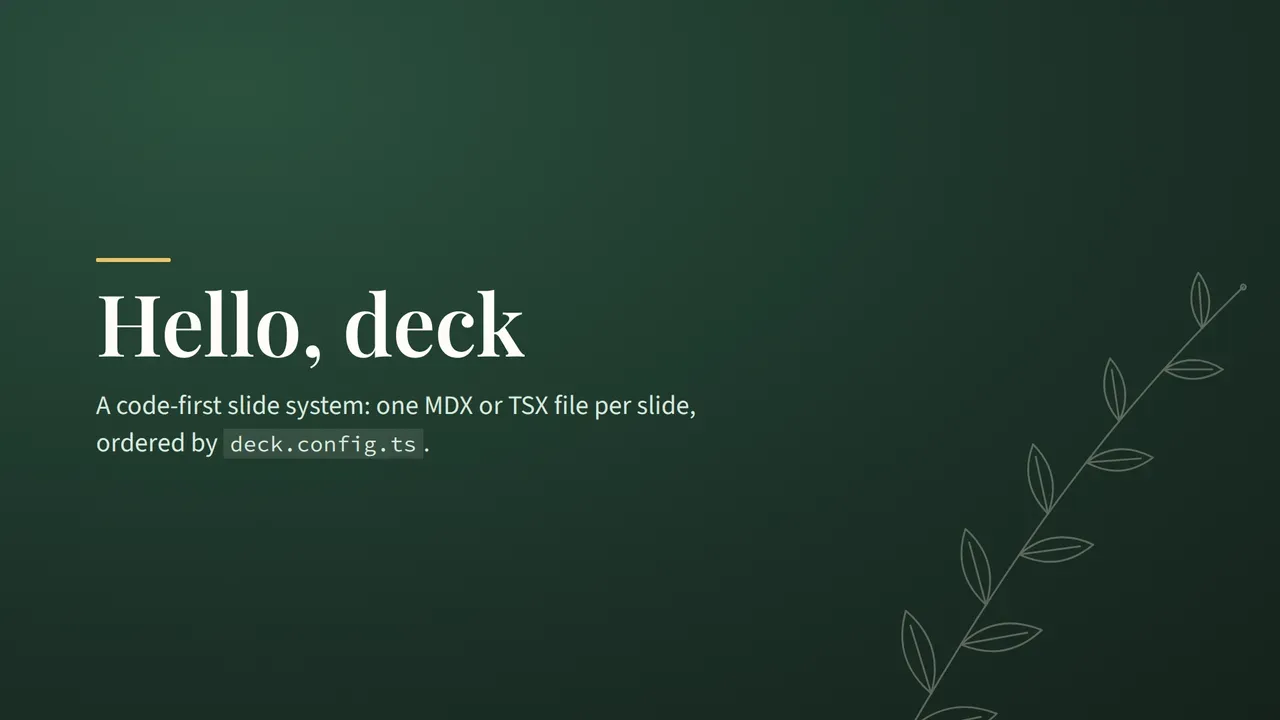
Click the slide to load the deck, then use the arrow keys to step through all four slides. The whole built deck is at /decks/hello/.
The four slides
deck.config.ts lists the slides in the order they play. Only files named there are slides:
import { defineDeck } from '@deckster/engine/config';

/**
 * The sample deck: one slide of each kind the engine supports, one per brand surface. Change
 * `brand` to "nocturne" to restyle every slide.
 */
export default defineDeck({
  title: 'Hello, deck',
  brand: 'default',
  slides: ['title', 'steps', 'live-counter', 'closing'],
});| Slide | File | Surface | Shows |
|---|---|---|---|
title |
slides/title.mdx |
gradient |
Frontmatter (title, surface, budget) and <Notes> |
steps |
slides/steps.mdx |
default | <Step at={n}> reveals on the default layout |
live-counter |
slides/live-counter.tsx |
accent |
A TSX slide: a literal frontmatter export, useStep(), <Step> and <Notes> |
closing |
slides/closing.mdx |
inverse |
An SVG imported from the deck’s assets/ folder |
The deck sets no duration, so the budget on three of its slides is not checked against a talk length.
An MDX slide with steps
steps reveals one bullet per step. The slide starts at step 0 with only the heading; <Step at={1}> appears on the first key press, and so on to step 3. Going back into the slide lands on its last step.
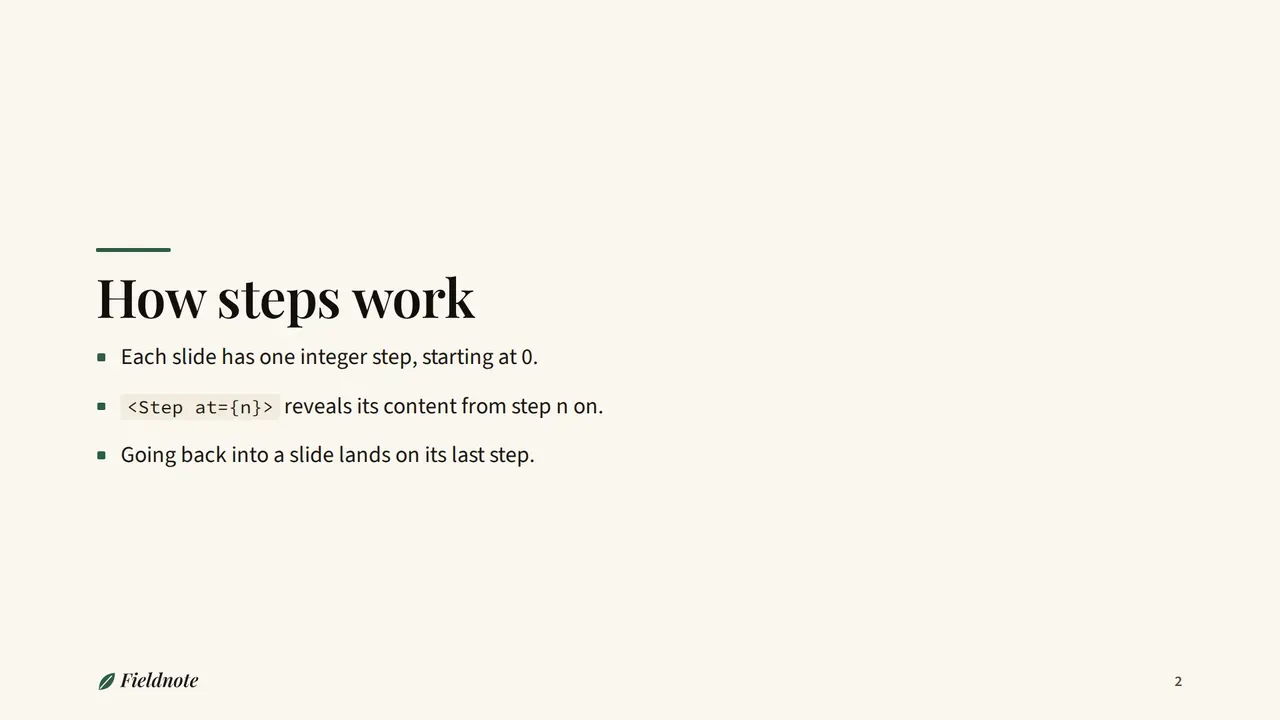
---
layout: default
title: How steps work
budget: 1m30s
---

## How steps work

<Step at={1}>
- Each slide has one integer step, starting at 0.
</Step>

<Step at={2}>
- `<Step at={n}>` reveals its content from step n on.
</Step>

<Step at={3}>
- Going back into a slide lands on its last step.
</Step>

<Notes>
Press the right arrow three times to reveal each point.

Mention that the step count comes from the steps that mount.
</Notes>
Slide 2 of the hello deckView on GitHub
Steps explains how a slide counts its steps.
A TSX slide
live-counter is a React component. It exports its frontmatter as a literal object, because the build reads it without running the slide, and it reads the current step with useStep():

import type { ReactNode } from 'react';

import { Notes, Step, useStep, type SlideFrontmatterInput } from '@deckster/engine';

/**
 * Read by the build without running the slide, so it must stay a literal.
 */
export const frontmatter = {
  title: 'A TSX slide',
  surface: 'accent',
  budget: '45s',
} satisfies SlideFrontmatterInput;

/**
 * A TSX slide that reads the step directly and reveals one more line on step 1.
 */
export default function LiveCounter(): ReactNode {
  const step = useStep();
  return (
    <div>
      <h2>A TSX slide</h2>
      <p data-testid="live-step">This slide is on step {step}.</p>
      <Step at={1}>
        <p>TSX slides use the same steps as MDX slides.</p>
      </Step>
      <Notes>TSX is the escape hatch for slides that need real code.</Notes>
    </div>
  );
}
Slide 3 of the hello deckView on GitHub
TSX slides covers when to write one.
What lint says about it
One warning: closing has no speaker notes. Warnings do not fail the run.
$ deck lint hello
decks/hello/slides/closing.mdx
  warning missing-notes (closing): The slide has no speaker notes.
          Fix: Add a `<Notes>` block saying what the slide proves and what to say, in a sentence or two.

hello: 0 errors, 1 warning in 4 slides (8 steps checked).
Run it in your workspace
A workspace made with deck new has no hello deck. Quickstart makes a deck of your own; to run this one, copy it from the repository at the release tag:
git clone --depth 1 --branch v0.7.0 https://github.com/sandrinodm/deckster.git ../deckster
cp -R ../deckster/decks/hello decks/
rm decks/hello/package.json decks/hello/tsconfig.json
deck dev hello
Delete those two files: in the repository every deck is a workspace package, and they point into the monorepo. Left in place, every slide fails with schema errors that read “Transform failed with 1 error”.
To match the preview, add Fieldnote to the workspace and run deck dev hello --brand fieldnote. The source comment also suggests nocturne, another brand you can install the same way.