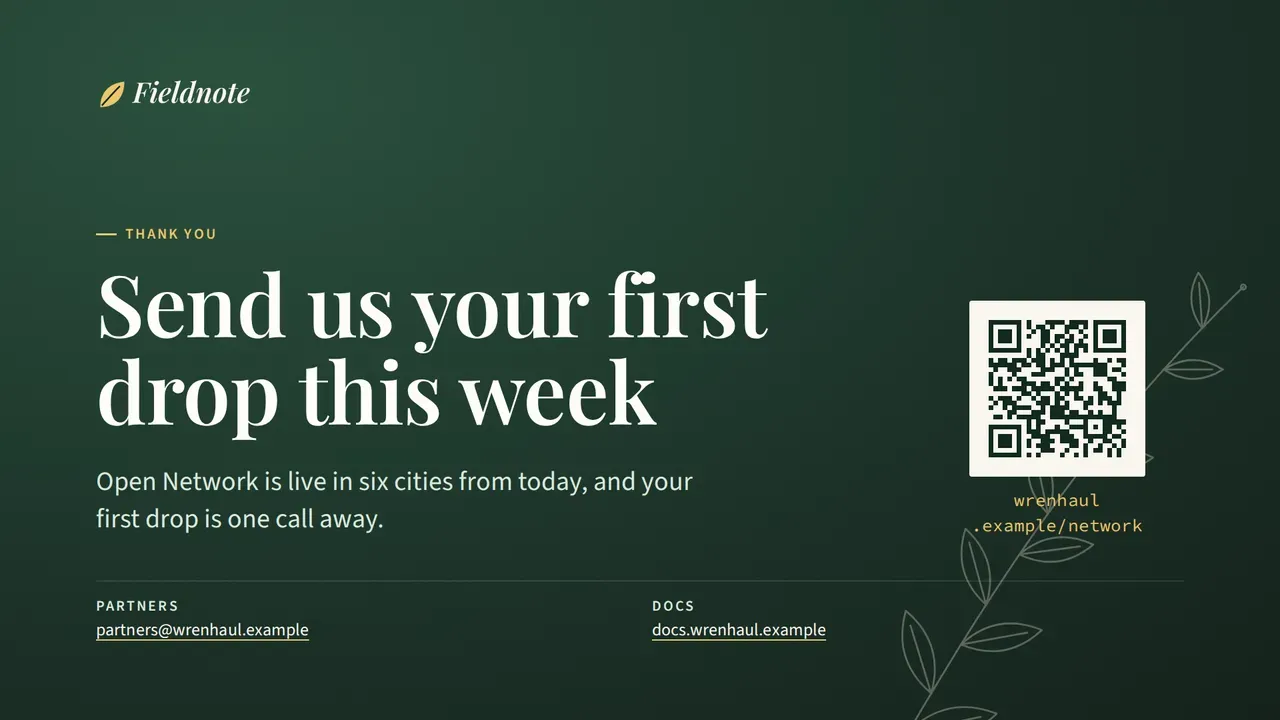
Use the closing layout for the last slide of your talk: the one thing to remember or do, set large, a line under it, and how to follow up. It takes up to three contacts and a QR code the room can scan for the slides or a sign-up page.
Example
---
layout: closing
title: Send us your first drop this week
eyebrow: Thank you
qr: https://wrenhaul.example/network
contacts:
  - label: Partners
    text: partners@wrenhaul.example
    href: mailto:partners@wrenhaul.example
  - label: Docs
    text: docs.wrenhaul.example
    href: https://docs.wrenhaul.example
budget: 30s
---

Open Network is live in six cities from today, and your first drop is one call away.

<Notes>
`closing` with two `contacts` and a `qr:`; use it as the last slide when the ask is an action the room can take today.
That is the ask: send us one drop this week. The code opens Open Network; partners@ reaches Beatriz Lund's team, who will set up your account the same day. Thank you.
</Notes>
Slide 203 of the lookbook deckView on GitHub
Notice that the title is the ask itself, not “Thank you”: the eyebrow carries the thanks. The qr: address is drawn as a code with the address under it, and the two contacts: sit under a rule along the bottom. By default the layout uses the gradient surface and hides the page chrome (chrome: false), and the brand logo sits top left.
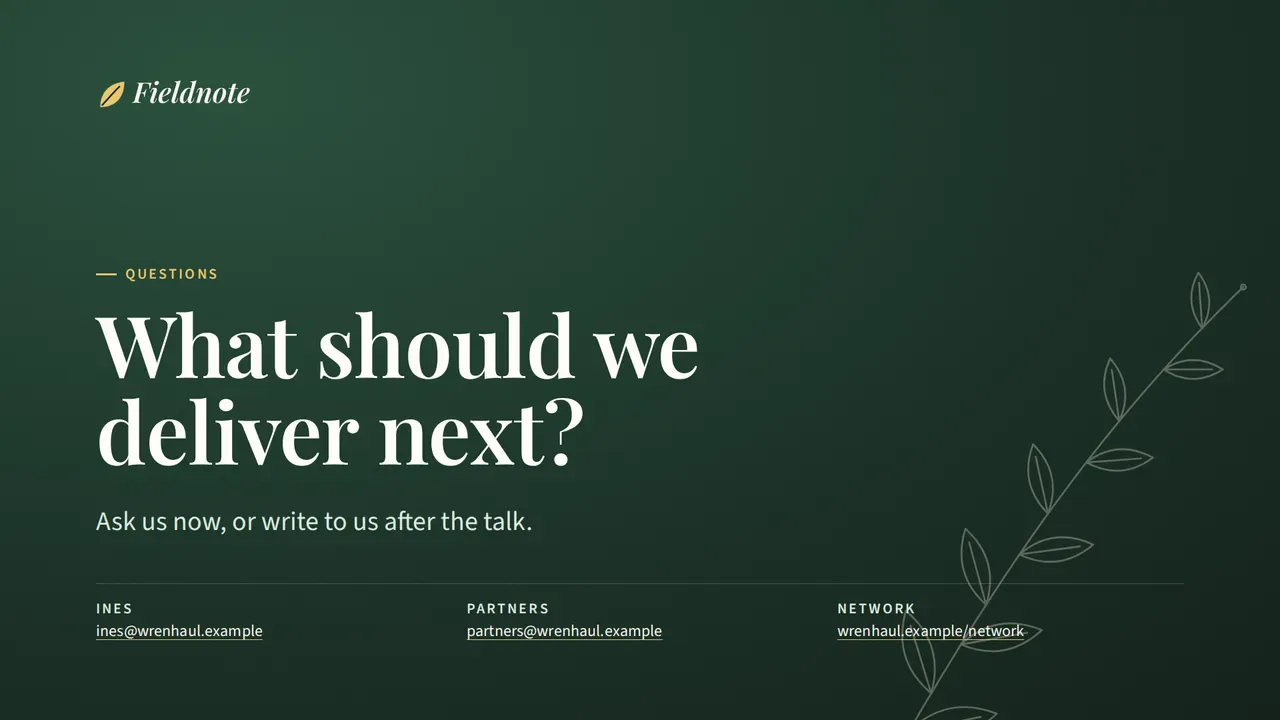
For a questions slide, title it with the question you want answered and leave out the code:
When to use it
- Once, last. The catalog reserves it for the end of the talk. For the cover, use
title; for a claim in the middle of the talk,statement. - A title of up to 40 characters that says what to remember or do. The line under it takes up to 20 words.
- Follow-up the room can act on.
contacts:takes up to three, each with alabelof up to 16 characters, thetextas people should type it (up to 40, or 32 with three contacts) and an optionalhref.qr:takes anhttp://orhttps://address of up to 56 characters.
Reference
- Frontmatter
layout: closing- Surface
gradient- Title
- required, 40 characters at most
- PowerPoint
- title slide
The last slide: the one thing to remember or do, set large, a line under it, and how to follow up: up to three contacts: under a rule and a qr: code for the slides or a sign-up page. For questions, title it with the question you want ("What should we plant first?") or "Questions", and list where to send them. Use it once, last; use title for the cover and statement for a claim mid-talk. Defaults to the gradient surface and hides the page chrome; the brand logo sits top left.
Slots
| Slot | Takes | Budget | What goes in it |
|---|---|---|---|
body | text | 20 words | One line under the title: what to do next, or the ask in a sentence. |
Frontmatter fields
| Field | Values | How to use it |
|---|---|---|
eyebrow | text | Write a few words of at most 40 characters, for example eyebrow: Budget committee, or leave it out. |
contacts | text | List up to 3 contacts, each with label (up to 16 characters: Email, Slides), text (up to 40, as people should type it: dana@larkfield.example) and optionally href (mailto:, tel:, https: or a path; other schemes such as javascript: are refused), which makes it a link. |
qr | text | Give the web address the room should open on their phones, starting with https://, up to 56 characters, for example qr: https://larkfield.example/canopy; it is drawn as a QR code with the address under it, which takes up to 44 characters without the scheme and www., and parts of up to 22 between its slashes and dots. |
chrome | true false (default) | Write chrome: false to hide the page number, logo and progress bar on this slide, or chrome: true to show them. |
Variants
- three contacts —
contacts[].text: 32 characters
Example
---
layout: closing
title: Plant where it is hottest first
eyebrow: Thank you
qr: "https://larkfield.example/canopy"
contacts:
  - label: Email
    text: "canopy@larkfield.example"
    href: "mailto:canopy@larkfield.example"
  - label: Slides
    text: larkfield.example/canopy
    href: "https://larkfield.example/canopy"
---

Approve the ten-year line so the first 600 trees go in this spring.

<Notes>
Stop on this slide for questions; the QR code takes them to the full plan.
</Notes>
Common mistakes
- A QR address that will not fit under the code. The address is shown without the scheme and
www., on at most two lines, and breaks only at slashes and dots. It may have 44 characters, and no part between slashes and dots longer than 22. A long path is aschemaerror: “qr: The address under the code, wrenhaul.example/open-network-partner-signup, has a part of 27 characters between its slashes and dots; one line takes at most 22.” Use a short redirect. - Long contacts once there are three. A third contact cuts each
textto 32 characters: “contacts[0].text: The closing layout sets at most 32 characters here (three contacts), got 38.” - A link the slide will not make.
hreftakesmailto:,tel:,http:andhttps:links, a path or a#fragment. Any other scheme is aschemaerror. - “Thank you” as the title. The title is set largest and is meant for the one thing to remember or do. Put the thanks in
eyebrow:, as the example does. - A list in the body. The body is one line of text: what to do next. The ways to reach you go in
contacts:.
Related layouts
ask: one amount and the milestones it buys, for the decision you came for;closingfollows it with the contacts.title: the cover, used once, first.statement: one sentence set large, for a claim mid-talk.
For QR codes and call-to-action links elsewhere in a deck, see links, downloads and QR codes.