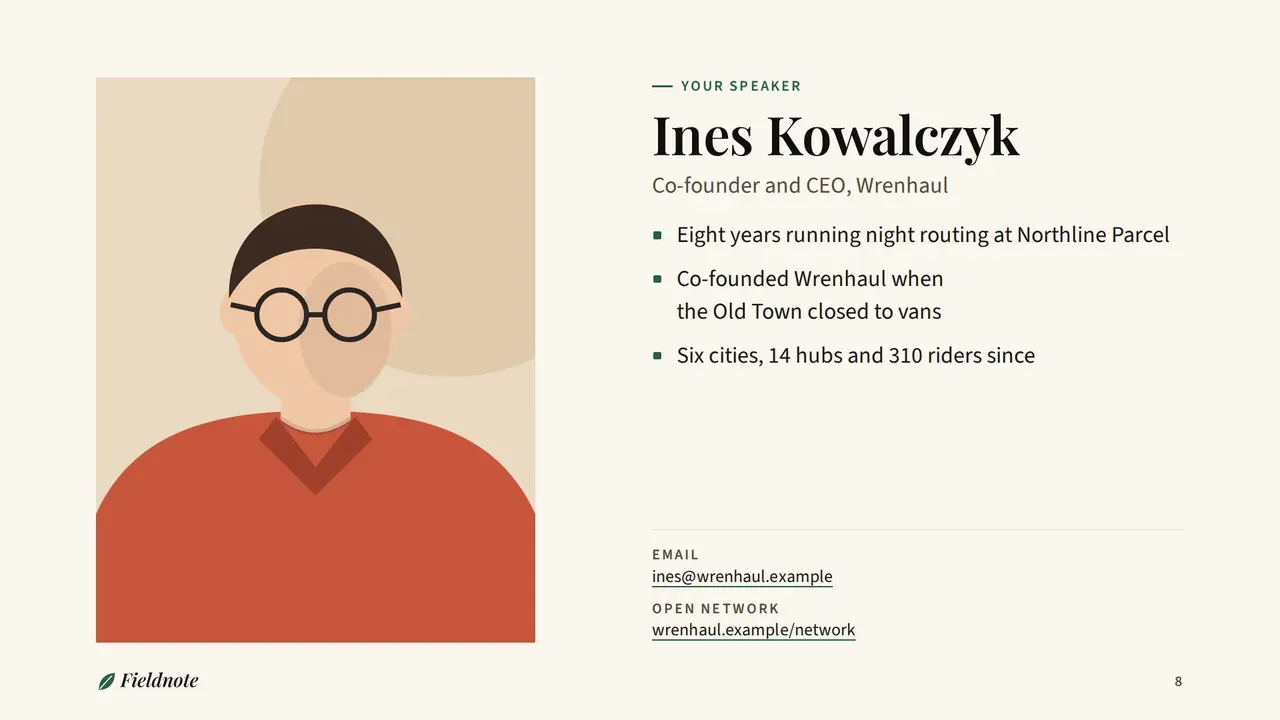
Use the bio layout to introduce one person, usually yourself, near the start of a talk. You get a portrait down the left side, the person’s name and role beside it, a few facts that say why the room should listen, and up to two ways to reach them.
Example
---
layout: bio
title: Ines Kowalczyk, who presents
eyebrow: Your speaker
name: Ines Kowalczyk
role: Co-founder and CEO, Wrenhaul
photo: ../assets/people/ines-kowalczyk.svg
focal: center 30%
contacts:
  - label: Email
    text: ines@wrenhaul.example
    href: mailto:ines@wrenhaul.example
  - label: Open Network
    text: wrenhaul.example/network
    href: https://wrenhaul.example/network
budget: 20s
---

- Eight years running night routing at Northline Parcel
- Co-founded Wrenhaul when the Old Town closed to vans
- Six cities, 14 hubs and 310 riders since

<Notes>
`bio` with a portrait, three facts and two contacts; use it once, near the start, to say why the speaker is worth listening to.
Twenty seconds at most: eight years of routing vans at night is why I know what a van cannot do in an old town. Then straight into the first question.
</Notes>
Slide 8 of the lookbook deckView on GitHub
Notice that the slide’s title: is nowhere on the slide: the large line is name:, and title: only names the slide in the outline. The facts are three bullets, the most the body takes.
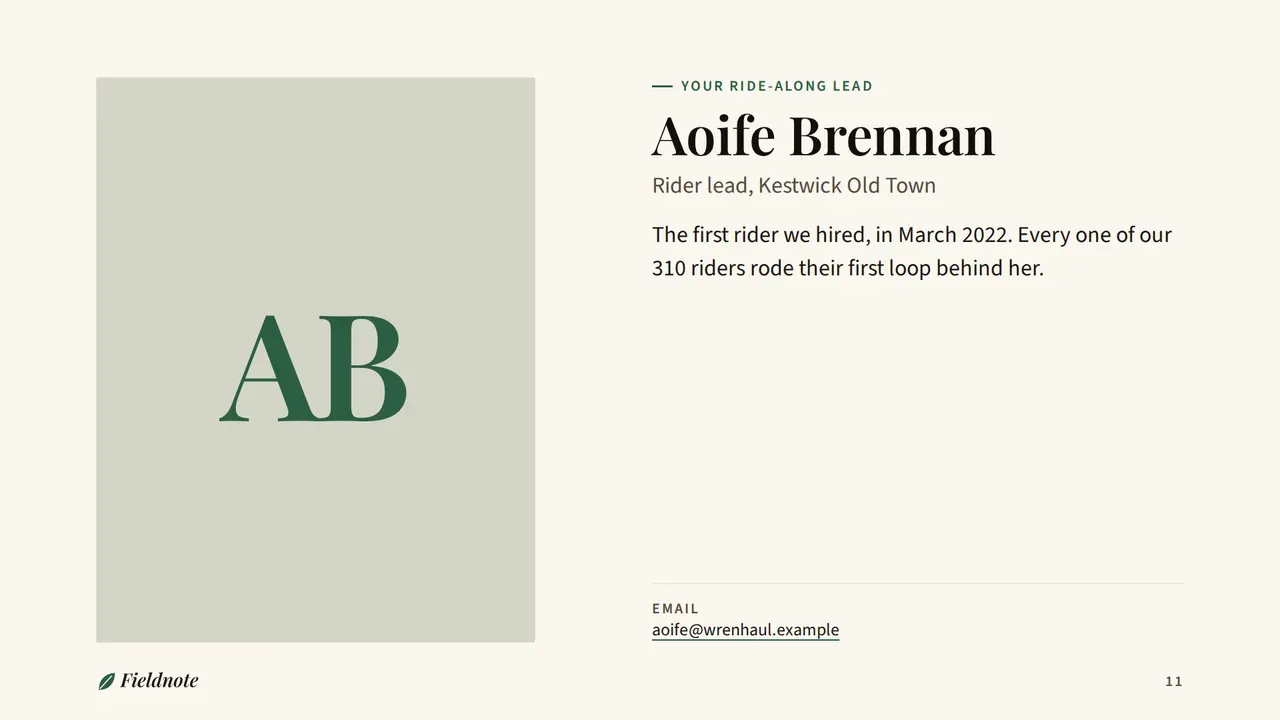
Without photo:, the layout draws the person’s initials in place of the portrait:
When to use it
- One person, once, near the start. The catalog’s guidance is to use it once; it is the slide that says who is speaking before the argument begins.
- The facts fit in 28 words or three bullets. That is the body’s budget; anything longer belongs in the speaker notes.
name:is the only required field.role:(up to 48 characters),photo:andcontacts:(at most two) are optional, so a slide with only a name and a sentence is valid.
Pick another layout when the slide is about more than one person or about what they said:
- Three or more people: use
team, which thebiodescription names for that case. - Someone speaking for your point: use
quote, which sets their words, not their CV. - A customer with numbers: use
proof. - A user profile from research, with goals and frustrations: use
persona.
Reference
- Frontmatter
layout: bio- Surface
- the deck's default
- PowerPoint
- two-content slide
Introduces one person, usually the speaker: a portrait filling the left five columns, their name: and role: beside it, a few facts as a sentence or up to three bullets, and up to two contacts: (email, site or handle) stacked on the bottom line. Without photo: the portrait is a tile with their initials. Use it once, near the start; use team for three or more people and quote for someone speaking for the point. title: names the slide in the outline and is not shown; use persona for a user profile with goals and frustrations.
Slots
| Slot | Takes | Budget | What goes in it |
|---|---|---|---|
body | text, bullets | 28 words, 3 bullets | A few facts that make the person worth listening to: a sentence, or up to three short bullets. |
Frontmatter fields
| Field | Values | How to use it |
|---|---|---|
eyebrow | text | Write a few words of at most 40 characters, for example eyebrow: Budget committee, or leave it out. |
namerequired | text | Write the person's name, up to 32 characters. |
role | text | Say what they do in a line, for example role: Programme lead, Larkfield Urban Forestry (up to 48 characters). |
photo | text | Give the portrait as a file in the deck folder, for example photo: assets/dana.jpg (or relative to the slide, ../assets/dana.jpg); without one the layout draws an initials tile. |
focal | text | Name the part of the photo to keep when it is cropped, as a CSS position: focal: top, focal: center 30% (a face in the upper third) or focal: 40% 20%. |
treatment | text | Name one of the brand's image treatments, for example treatment: plain (every brand has it) to show a screenshot, map or chart in its own colors; deck brand --json lists them under imagery.treatments. |
contacts | text | List up to 2 contacts, each with label (up to 16 characters: Email, Slides), text (up to 40, as people should type it: dana@larkfield.example) and optionally href (mailto:, tel:, https: or a path; other schemes such as javascript: are refused), which makes it a link. |
chrome | true (default) false | Write chrome: false to hide the page number, logo and progress bar on this slide, or chrome: true to show them. |
Example
---
layout: bio
title: Who is speaking
eyebrow: Your speaker
name: Dana Okafor
role: "Programme lead, Larkfield Urban Forestry"
contacts:
  - label: Email
    text: "dana.okafor@larkfield.example"
    href: "mailto:dana.okafor@larkfield.example"
  - label: Slides
    text: larkfield.example/canopy
---

- Twelve years planting street trees in three cities
- Led the Holloway Road pilot, 2024 to 2026

<Notes>
Keep this to twenty seconds: why you, then straight into why Eastgate.
</Notes>
Common mistakes
- Too many facts. A fourth bullet fails
deck lintwithcontent-budget: “The body slot holds 4 bullets; its layout allows 3.” Keep the best three, or turn them into one sentence of at most 28 words. - A third contact.
contacts:takes at most two entries. A third is aschemaerror before the slide renders: “contacts: Expected at most 2 contacts, got a list of 3 items.” Each contact needslabel(up to 16 characters) andtext(up to 40);hrefis optional and makes it a link. - Expecting
title:on the slide. The name is the heading. Write the person’s name inname:(up to 32 characters) and usetitle:for how the slide reads in the outline, such as “Who is speaking”. - A face cropped off. The portrait is cropped to a tall frame, keeping the centre of the upper third unless you say otherwise. When the face sits elsewhere, set
focal:as a CSS position, such asfocal: 40% 20%. - A portrait in brand colours. The portrait takes the brand’s default image treatment. For a picture that must keep its own colours, set
treatment: plain, which every brand has.
Related layouts
team: three or more people on one slide instead of one.quote: what someone said, not who they are.proof: a named customer with a quote and the numbers behind it.title: the cover that comes before the bio, with the presenter inbyline:.persona: a user persona from research, with a portrait, a quotation, goals and frustrations.
How paths in photo: resolve, and what deck lint checks about images, is on media.