Skills for Codex, Claude Code, and other agents
Each one is a SKILL.md file your agent reads when a task calls for it. Install any of them with one command.
pnpx skills add sandrinodm/skills --skill <skill-name>
Skills
-
Android APK Decompilation
Acquire, verify, sandbox, and decompile Android APK/APKM/XAPK/APKS artifacts with Dockerized ADB, JADX, apktool, and apksigner.
- What it does
- Pulls the copy Google Play installed on your own phone over wireless ADB, so you analyze exactly what users run.
- Runs ADB, JADX, apktool and apksigner in Docker, so nothing gets installed on your machine, and keeps the network off during analysis.
- Verifies hashes and signing certificates, and trusts an APKM, XAPK or APKS download only once its signer matches the Play copy.
- Searches the decompiled app for endpoints, auth tokens, permissions and certificate pinning, then writes sanitized notes with a confidence label instead of committing APKs or decompiled source.
- Try asking
- Pull com.example.app from my phone and check who signed it
- Decompile this .xapk and list the API endpoints it calls
- Needs
- Docker, plus an Android phone with wireless debugging to pull apps. Use it only on apps and devices you own or are allowed to inspect.
SKILL.mdpnpx skills add sandrinodm/skills --skill android-apk-decompilationAgent description
Use when working with Android APK, APKM, XAPK, or APKS files; pulling installed packages with adb; verifying Android app signatures; sandboxing jadx, apktool, apksigner, and Android platform-tools in Docker; decompiling apps; or extracting static API evidence from authorized Android apps.
-
Crisp Diagrams
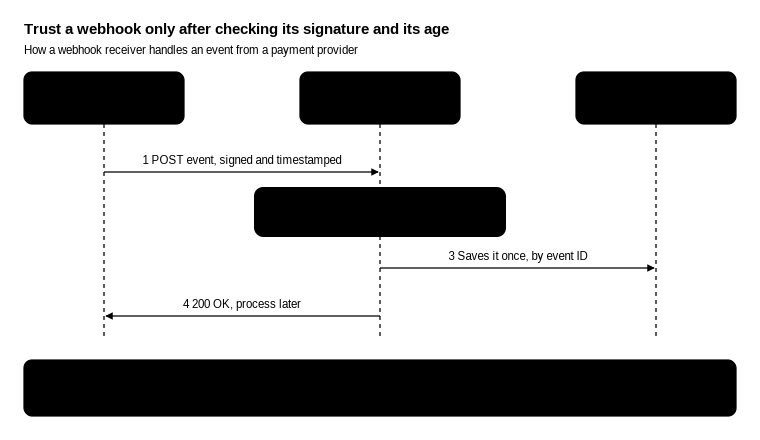
Draw clean, minimal explanatory diagrams as standalone SVG files: thin outlines, one blue accent on the idea that matters, a title that states the takeaway, and automatic dark mode.
- What it does
- Turns a description, a Mermaid file or a whiteboard photo into one SVG that looks the same on GitHub, in Markdown, in docs and on slides, and switches to dark mode by itself.
- Covers 31 diagram types, from architecture, auth flows and swimlanes to state machines, data models, Wardley maps, timelines and device mockups.
- Comes with four themes: quiet outlines for docs, pastel for slides, gradients for product pages and tinted zones for trust boundaries.
- Keeps every diagram in its own folder under
diagrams/(or a folder you pick, likedocs/diagrams) with the SVG, a high-resolution PNG and the prompt to redraw it, plus anindex.htmlto browse them all. - Set your own theme: share a logo, a slide or a screenshot (or a single hex color) and it saves your brand palette to
STYLE.md. Every later diagram in the project follows it, and so does any style advice you give. - Checks each diagram in headless Chrome for overflowing text, overlapping labels and off-palette colors, and reviews the light and dark previews before handing it over.
- Try asking
/crisp-diagramsthe OAuth device flow for our login docs- Make our diagrams match our brand. Here's our logo.
- Redraw this whiteboard photo as a clean diagram
/crisp-diagramson its own, and it asks what to draw
- Needs
- Python 3 and Google Chrome or Chromium. Reading brand colors from an image also needs Pillow, ImageMagick or the sips tool built into macOS.
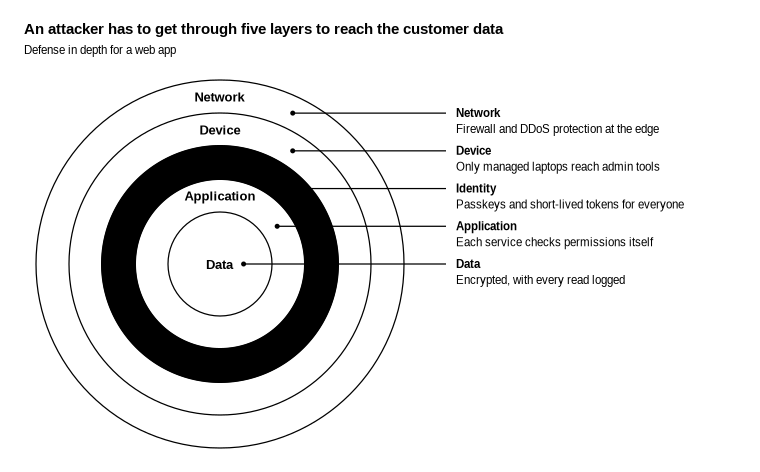
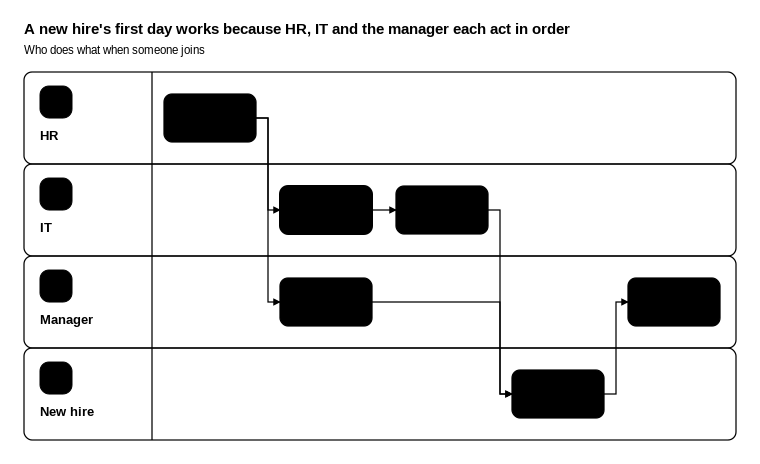
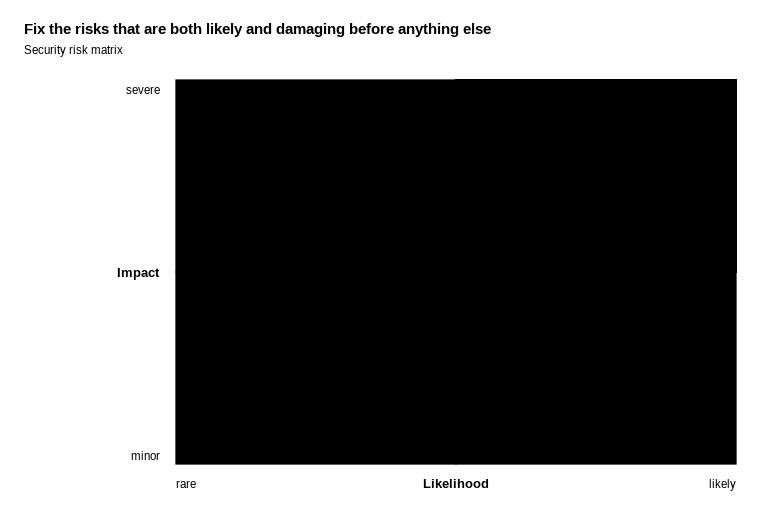
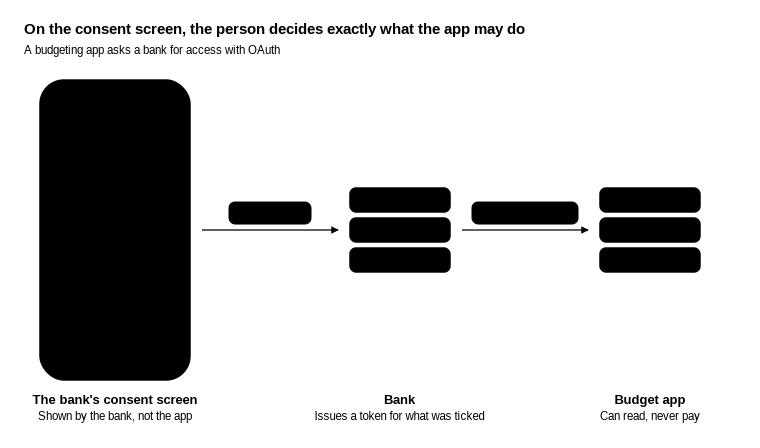
Examples from 227 diagrams drawn with this skill Open the diagram explorerSKILL.mdpnpx skills add sandrinodm/skills --skill crisp-diagramsAgent description
Draw clean, minimal explanatory diagrams as standalone SVG files: thin warm-gray outlines, one blue accent on the idea that matters, a title that states the takeaway, automatic dark mode, optional pastel, gradient or tinted-zone themes and line icons. Covers architecture and anatomy, system context, sequence and auth flows, process flows and swimlanes, event-driven systems, state machines, data models, decision trees, journey maps, service blueprints, timelines and git branch graphs, quadrants and Wardley maps, fishbone and causal loop diagrams, trees, matrices, pyramids, cycles, concentric rings, boards, infrastructure maps, annotated tokens and requests, byte layouts, and scenes with device mockups. Use it whenever the user asks for a diagram, figure, schematic, flowchart or "a visual" for docs, a README, notes, a blog post or slides, even without saying SVG; to redraw a diagram in this style; or to match brand colors from a logo or slide (saved in STYLE.md). Not for data charts.
-
GitHub Code Search
Search GitHub for similar code examples using the ghx CLI, with GitHub CLI authentication and npm install checks.
- What it does
- Turns your question into targeted GitHub code searches, narrowed by repository, language, file extension, filename or path.
- Starts with a few results and widens the search only when they're weak.
- Summarizes the patterns it finds across several repositories, then adapts them to your codebase's architecture and style instead of copying code.
- Checks that the GitHub CLI is installed and signed in, and installs ghx from npm if it's missing.
- Try asking
- How do other projects debounce input with useState?
- Find examples of Bun.serve with WebSockets
- Show me how open-source apps set up strict mode in tsconfig.json
- Needs
- The GitHub CLI (
gh), signed in. The skill installsghxif it isn't there yet.
SKILL.mdpnpx skills add sandrinodm/skills --skill github-code-searchAgent description
Use the ghx CLI to search GitHub for similar code examples, implementation patterns, APIs, configuration snippets, and real-world usage before or during coding work. Use when the user asks to find examples on GitHub, compare how other projects implement something, inspect open-source usage of a library or API, or research code patterns with ghx.
-
Product Name Finder
Generate strategic company, product, platform, feature, and sub-brand names using a professional naming workflow inspired by David Placek's work at Lexicon Branding.
- What it does
- Works like a naming agency: a brief, a map of the category, 8 to 15 naming territories, then 150 to 300+ candidates before it narrows anything down.
- Scores candidates from 1 to 5 on twelve criteria, including distinctiveness, memorability, believability, trademark promise and cross-language safety, and drops the ones that fail hard.
- Tests the finalists in context and explains the trade-offs, separating the safest pick from the one with the most upside.
- Ends with a recommendation: a top 3, 2 backups and a wild card, plus the checks to run next with trademark counsel, domains and native speakers.
- Try asking
- Name our AI bookkeeping tool for freelancers in Europe
- We're renaming the company. Here's what we do, who we sell to and who we compete with.
- Give me a quick sprint of 30 names for our new search feature
- Needs
- Nothing to install. Share a brief (what you do, audience, category, what sets you apart, tone, markets), or let it state its assumptions.
SKILL.mdpnpx skills add sandrinodm/skills --skill product-name-finderAgent description
Generate strong, scalable company, product, platform, feature, sub-brand, or rename candidates using a professional naming workflow. Use when the user asks to name or rename a startup, company, product, app, AI product, platform, feature, service, brand architecture element, or when they request naming territories, raw name candidates, scored shortlists, naming rationale, product-name brainstorming, or final naming recommendations.
-
README Writer
Write, rewrite and review READMEs that read like a maintainer wrote them: what the project is in the first sentence, a working example on the first screen, and every command, name, port and link checked against the repo. Covers root READMEs and the root, package and app READMEs of a monorepo.
- What it does
- Reads the repo first (manifests, lockfile, exports, tests,
--help,.env.example) and writes only facts it can trace to a file or a command it ran. - Picks a skeleton by project type: library, small utility, CLI, framework, app or internal service.
- Drops the habits that make a README read as generated: emoji headings, badge walls, bold-label feature lists, marketing words, empty Contributing sections, invented benchmarks and sign-offs.
- Gives every npm package a real badge row (npm version, CI from an existing workflow, license, then downloads, bundle size or Node version where they fit), built from the manifest and the workflow files.
- Writes each monorepo README for its own reader: a package table at the root, npm-ready package READMEs with the exact scoped name, peers and badges, app READMEs with the real filter, port and env vars, and nothing for config packages.
- Replaces create-next-app and create-turbo boilerplate, and reviews an existing README with findings ranked from wrong facts to wording.
- Ships a checker that catches broken links and anchors, missing scripts, filters and turbo tasks, the wrong package manager, wrong ports and package names, badges for another package or a missing workflow, imports the package doesn't export, license mismatches and common slop.
- Reads the repo first (manifests, lockfile, exports, tests,
- Try asking
- Write a README for this CLI, we're publishing it to npm next week
- The READMEs in this monorepo are all create-turbo leftovers. Write proper ones.
- This README sounds AI-generated. Rewrite it so it reads like a maintainer wrote it.
- Review our README and tell me what's wrong with it
- Needs
- Node.js 18 or later for the checker script. Uses the project's own package manager to run examples.
SKILL.mdpnpx skills add sandrinodm/skills --skill readme-writerAgent description
Write, rewrite and review README files that read like a maintainer wrote them instead of a template or a model: every command run, every claim traced to the code, a real npm badge row instead of a badge wall, no emoji headings, adjective feature lists or invented benchmarks. Covers root READMEs for libraries, CLIs, frameworks, apps and internal services, and READMEs inside monorepos (the root, published packages that become the npm page, internal packages, and apps like apps/web or apps/api). Use it whenever the user asks to write, create, improve, clean up, fix or review a README or package README; to document a new package or app in a workspace; to replace create-next-app, create-turbo or other scaffolder READMEs; to prepare a package for publishing; or when a README sounds AI-generated or out of date. Includes a checker script for broken links, missing scripts, wrong ports and package names, and common slop. SKIP: docs-site pages, API reference generation, CHANGELOGs, blog posts, code comments.
-
TypeScript Code Style
Write, review and refactor TypeScript that reads like careful human work and whose types rule out invalid states, from spacing and naming to file layout and Effect Schema validation, with a safe workflow for cleaning up a whole codebase without changing its behavior.
- What it does
- Fixes the usual problems in dense, AI-written code: code lumped together without blank lines, magic numbers, repeated error messages, nested ternaries and long conditions, positional
undefinedarguments, home-made wrappers, banner comments and comments that restate the code or point at plans. - Lays out new code the same way every time: kebab-case file names (
use-countdown.ts), tests beside the file they test, one folder per variant. - Designs types the Total TypeScript way: a strict tsconfig, discriminated unions instead of optional bags, no enums or
any, and request validation with Effect Schema rather than Zod. - Sets the formatter to a readable line width (100 columns by default) and keeps that mechanical change separate from the hand refactor.
- Snapshots your uncommitted work, records a test baseline, and splits large codebases into areas with separate file ownership.
- Proves behavior didn't change: full checks with real exit codes, plus a script that compares every user-facing string before and after.
- Fixes the usual problems in dense, AI-written code: code lumped together without blank lines, magic numbers, repeated error messages, nested ternaries and long conditions, positional
- Try asking
- Codex wrote most of this repo and I can't read it. Clean it up without changing behavior.
- Do a code-style review of src/server.ts
- The spacing in these files is all lumped together, can you fix it?
- Write a retry helper with jitter in clean, well-structured TypeScript
- Needs
- Node.js 18 or later for the string-diff and rename scripts, and git for renames. Uses the project's own formatter, linter and tests.
SKILL.mdpnpx skills add sandrinodm/skills --skill ts-code-styleAgent description
The user's TypeScript and JavaScript conventions: formatting, readability, type design, validation, tsconfig and project layout. TRIGGER: read this BEFORE opening any file, and don't skip it because the task looks routine. Use it whenever TS/JS work changes how code looks or is organized without adding features: cleaning up or restyling messy, cramped or AI-written code; splitting large functions or nested ternaries; fixing blank lines or spacing across files; quality reviews of a file, folder or PR; replacing enums; choosing type or interface; choosing a schema or validation library (Zod, Effect Schema); writing or tightening tsconfig; naming files and placing tests; writing new production TS. Several of these conventions break common defaults (no enums, Effect Schema over Zod), so generic answers will be wrong. SKIP: runtime bugs, profiling, explaining tsc errors, CI or lint pipelines, git history, UI features, other languages.